Knowledge base management software is a digital solution that captures, organizes, shares, and finds data within an organization for easy access to data among departments and customers.
13 Best Knowledge Base Software for Businesses in 2026
POST BY
PUBLISHED
November 19, 2026
Searching for data files for long hours in email threads and data trapped in CRMs, leading to data silos across departments, are common problems businesses face in managing scattered data. Knowledge base software is a digital system that puts all the scattered data across the organization, including data files, HR policies, employee handbooks, IT projects, and other essential information, in a single repository of the organization.
Knowledge management platforms help to increase data flow and productivity, reducing information loss and workflow management in businesses. In this article, we will study some of the best knowledge base software, their key features, and pricing details
Table of Contents:
What is Knowledge Base Software and Its Types?
Knowledge base software (KMS), or knowledge management software, is a digital tool or system that helps to capture, store, organize, find, share, and maintain the essential data of a company about HR policies, IT documentation, informational reports, customers, and product data in a single repository of the organization.
The software primarily stores SOPs, guides, FAQs, documentation, product data, customer data, articles, images, and video data, as well as text files. A knowledge base platform works in 4 steps, as given below.
- Gather: KMS first collects and gathers the essential data about the company policies and other practices.
- Index: It organizes or indexes the data category-wise and according to the use cases.
- Serve the Searchers: When any user tries to find something using the search option, the software retrieves data and serves it with the right and timely results.
- Enhance and Update: According to the searchers’ preferences and the updated content, the software updates and customizes its data delivery methods.
Also read: Top 10 Best Expense Management Software Solutions in 2026
Types of Knowledge Base Management Software
Knowledge management system software is mainly of two types based on who is using it and for what purpose. The two types of knowledge base management software are internal and external knowledge base software. Take a look at the two types of knowledge management platforms.
- Internal Knowledge Base Software: Internal KMS is developed for company employees, often password-protected to give role-based access for retrieving information.
- External Knowledge Base Software: External KMS is a self-service center developed for customers to help them get FAQs, articles, and guides on their own.
Also read: 15 Best Help Desk Software For Managing Customer Support in 2026
13 Popular Knowledge Base Software
Some popular knowledge base management software includes Stonly, Confluence, Tettra, Notion, Document 360, Guru, Zendesk, etc. These tools are used by small- to large-sized enterprises with their customized plans to get their data structured in one place with easy accessibility. Below are some of the popular knowledge base software.
1. Notion
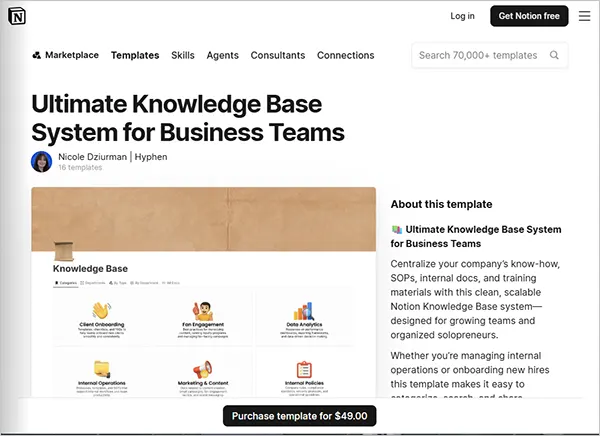
Notion is a knowledge management system that helps to centralize data such as SOPs and training material docs in the Notion knowledge base system. It facilitates data accessibility according to the category, department, and document type.
| Key Features |
|
| Best For |
|
| Pricing |
|
| Free Trial |
|
2. Slite
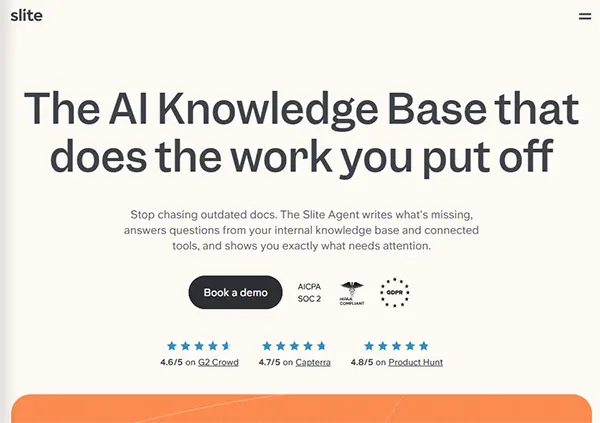
Slite is knowledge management software that is used mainly by AI-driven businesses and centralizes the CS docs for humans as well as AI agents. It facilitates users with multiple custom templates, like the annual performance review template and project management templates, etc., to create content.
| Key Features |
|
| Best For |
|
| Pricing |
|
| Free Trial |
|
3. Document360
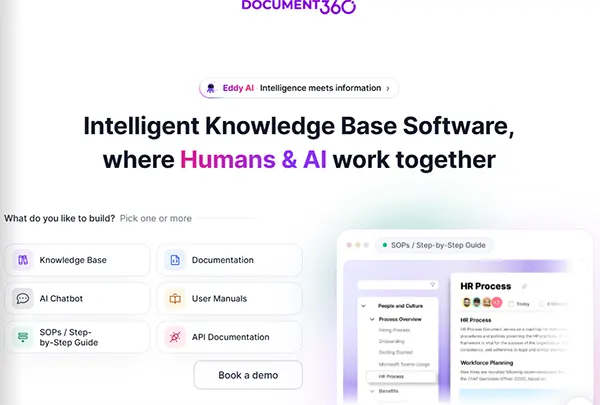
Document360 is a knowledge base software that centralizes the data and media files (like videos and images) in the repository hub and prevents content duplication. It is equipped with AI Search, an AI chatbot, an AI writing server, and even the MCP server that help to connect the software with AI tools to auto-create and publish articles.
| Key Features |
|
| Best For |
|
| Pricing |
|
| Free Trial |
|
4. Confluence
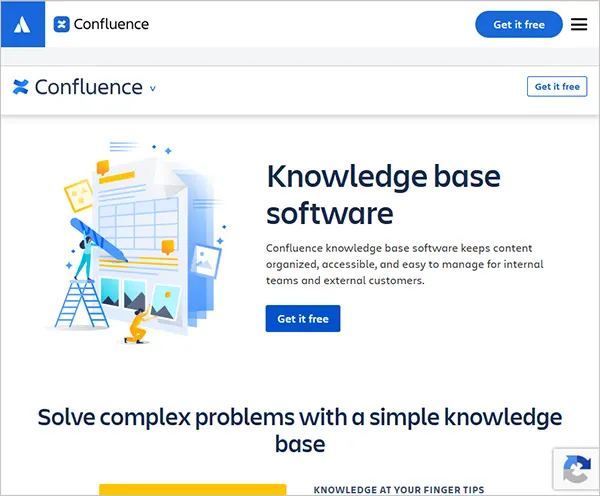
Confluence is an enterprise knowledge management solution developed by Atlassian that stores, manages, and makes the content easily accessible for internal working teams and external users. It uses built-in templates to create and publish articles and related content and facilitates a structural hierarchy of knowledge-based articles for easy accessibility.
| Key Features |
|
| Best For |
|
| Pricing |
|
| Free Trial |
|
Note: NLP (Natural Language Processing) allows KMS search bars to understand human-written language; hence, there is no need to type the exact keywords matching the company database to get accurate information.
5. Guru

Guru is a knowledge management software that calls the central repository the knowledge layer, where all the data is organized and stored as usable knowledge, and knowledge is organized in such a way that it is easily retrieved by humans and AI agents. This software proactively provides the updated information needed at the moment.
| Key Features |
|
| Best For |
|
| Pricing |
|
| Free Trial |
|
6. Zendesk
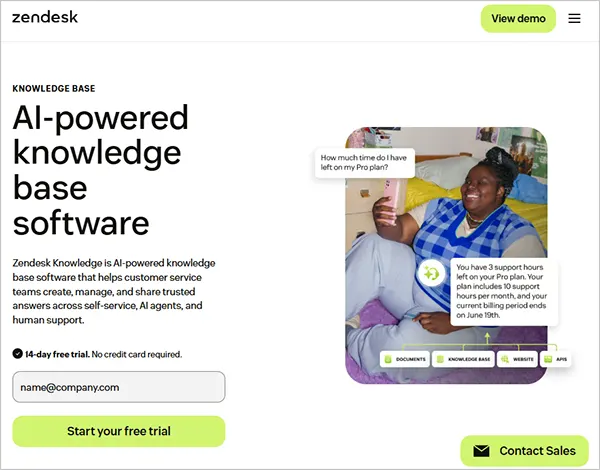
Zendesk is a knowledge management solution that features AI-aided knowledge base creation using Knowledge Builder and historical business context data. It facilitates AI agents to simplify workflows among various connected systems or workflows with automated actions when needed.
| Key Features |
|
| Best For |
|
| Pricing |
|
| Free Trial |
|
Note: KMS and help desk software are closely related terms, but KMS is preferably a self-service platform for creating and organizing data to find quick data and find quick answers, while help desk software is more customer-oriented and solves customer queries through support tickets, transferring issues/requests to the support team.
7. Bloomfire
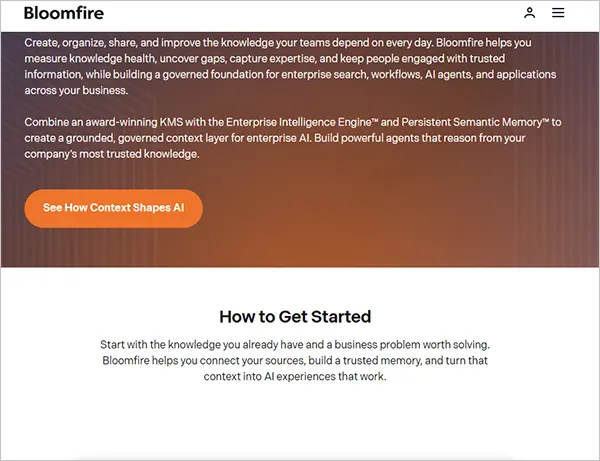
Bloomfire is an AI-powered knowledge management software that captures, organizes, and shares improved and accurate information using AI-powered engines and tools. It is equipped with a universal connector framework that encodes the data files automatically into the system memory.
| Key Features |
|
| Best For |
|
| Pricing |
|
| Free Trial |
|
8. Tettra
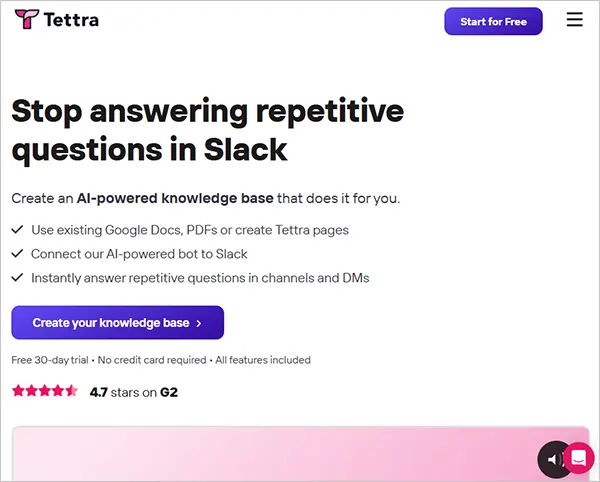
Tettra is an AI-powered internal knowledge management software that helps businesses organize, manage, and retrieve company data quickly with trusted results. It has a featured API to create and optimize your own knowledge base workflows.
| Key Features |
|
| Best For |
|
| Pricing |
|
| Free Trial |
|
9. Stonly
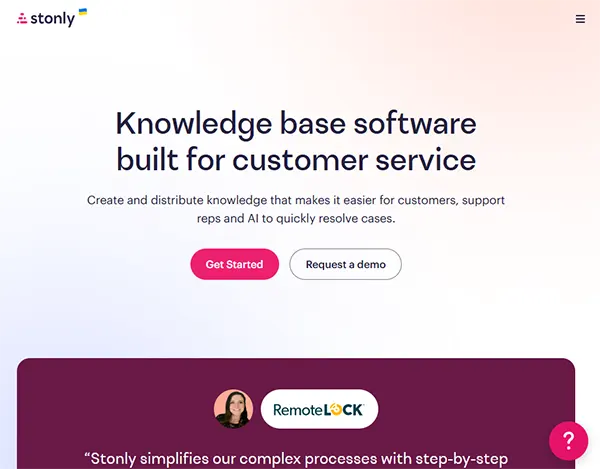
Stonly is knowledge base software that primarily focuses on customer-oriented queries and simplifies complex data into easy and interactive guides. It facilitates content performance analytics and personalized support for each customer. The software creates the knowledge base and embeds knowledge wherever it’s needed, like on web pages or applications.
| Key Features |
|
| Best For |
|
| Pricing |
|
| Free Trial |
|
10. Nuclino
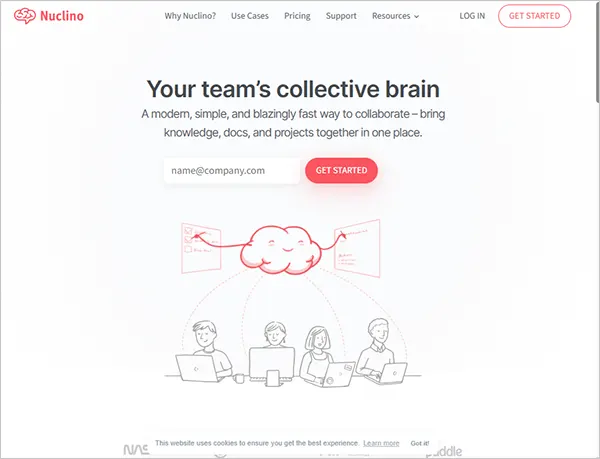
Nuclino is a knowledge management platform that is also called the collective brain of your knowledge team. It is an AI-aided software solution that works lightning fast to keep all your documents and files organized at a single place, preventing you from context switching between multiple platforms. It facilitates collaborative documents where you can edit, embed, and assign tasks to streamline workflows.
| Key Features |
|
| Best For |
|
| Pricing |
|
| Free Trial |
|
11. ClickUp
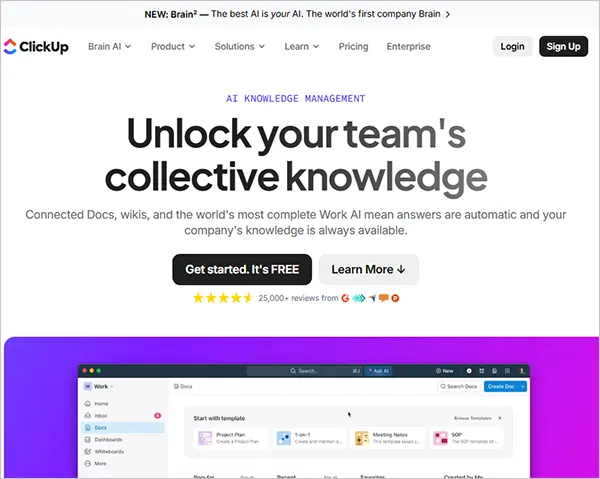
ClickUp is an AI-powered system in the ClickUp workspace platform that creates, organizes, shares, and retires organizational data alongside project tasks and goals. It provides knowledge base templates with sections for FAQs, onboarding, docs, and other content.
| Key Features |
|
| Best For |
|
| Pricing |
|
| Free Trial |
|
12. XWiki
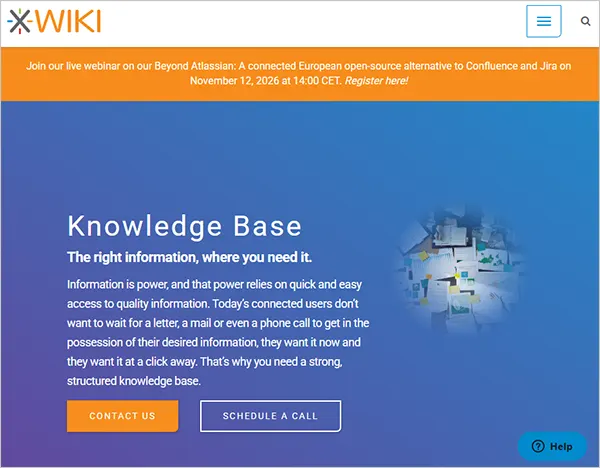
XWiki is a knowledge base management software that helps organizations to structurally organize data with no information silos. It facilitates creating content using custom data types, templates, and forms. Its advanced Solr search ensures quick document retrieval from its knowledge base.
| Key Features |
|
| Best For |
|
| Pricing |
|
| Free Trial |
|
13. Zoho Desk
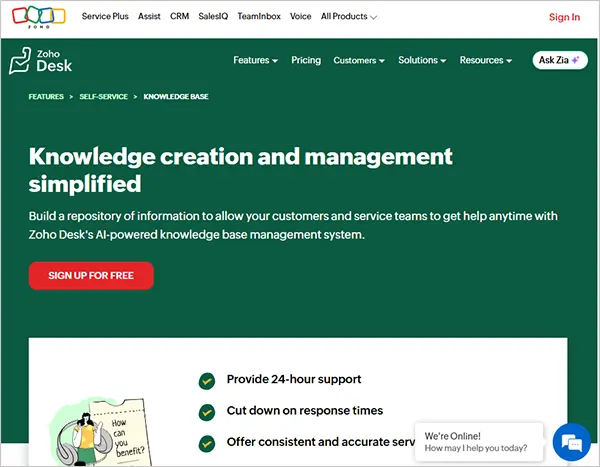
Zoho Desk is a knowledge management software that helps businesses to organize their content database to serve customers using their self-service portals, which reduces the use of support tickets by them as well as the employees in the organization.
| Key Features |
|
| Best For |
|
| Pricing |
|
| Free Trial |
|
Also read: What is Practice Management Software? Features, Benefits, and Tools
Benefits of Knowledge Management Software for Businesses
Knowledge management software is helpful for businesses to streamline their daily operations and workflows by centralizing and organizing the data in a single repository on the organization’s site. It also helps with customer satisfaction, as they can easily get information about the company in one search. Below are some of the key benefits that businesses get from using knowledge base software.
1. Improved Productivity Among Departments
Employees face difficulties while searching for data in Slack threads or document folders. Instead, the enterprise knowledge management software, having all data segregated in a centralized hub or repository, gives access to information in a few clicks, which helps to speed up the workflow. They can make reports faster and answer customer or cross-departmental queries in an efficient way.
2. Enhanced Customer Satisfaction
Customers can solve their queries on their own without taking external assistance. They can use the AI conversational chat, which already uses the software’s gathered data to answer their questions and get all related information, like FAQ pages, testimonial videos, guides, and help centers, in only a few steps, with timely and accurate results.
3. Preserve Company Data
The software fetches the critical data from the emails, documents, and folders and transfers them into a single source of truth. When an employee leaves the company, his/her data is maintained in the repository so it can be accessed at the needed time. Also, the strict permissions only display the content to those who are given access to that information by the manager or the employer.
4. Relaxation for the IT Teams
Employees often seek help from IT teams to solve data-related queries; quick techniques and fixing procedure guides are available in the repository, reducing support tickets as employees solve most of their queries on their own without taking any external help.
5. Additional Features
Advanced features of knowledge management solutions, like AI conversational search, help employees to get the related information easily, It flags out the outdated or harmful content. Integration with other systems like CRMs and project management software smooths the workflow without switching to multiple platforms.
Note: Modern KMS use RAG (Retrieval-Augmented Generation), which helps to optimize the answers given by the AI agents or chatbots using the external knowledge base, not only relying on the knowledge base.
How to Choose the Right Knowledge Base Software for Your Business?
There are several knowledge management solutions available online, but choosing the right software for your business becomes a tough choice. To choose the right software, you must analyze your business needs and carefully review the software features, its integration capabilities, and its pricing strategies. Below are some of the key factors you must consider while thinking about buying the right knowledge base software for your business.
1. Understand Your Business’s Complexities
Firstly, understand the shortcomings of maintaining data/information in your company database. Ask yourself: Is your data not collected in a single repository or hub? Is siloed data scattered everywhere across departments, and is there no privacy control established for access-based data visualization, etc. Note out all the business complexities and then look for the best possible solutions available in the market.
2. Look Into the Software Features
Among the reputed software, look at the features that can automate most of your knowledge management work using AI agents. It should fill in the context gaps in your knowledge base and should meet all your current and future business needs with secure protocols.
3. Usage Accessibility
Look for software that can provide employee- and customer-friendly interfaces with easy installation and compatible with your devices or computer systems. Try to adopt solutions that can be customized to get a more personalized experience.
4. Integration with Other Systems
To automate operations, switching tabs on multiple systems disrupts the workflow. The software should have integration capability with all major CRM systems, project management tools, and messaging or group chat platforms. The integration allows the software to unify and streamline daily operations and decrease data dilution across multiple channels.
5. Customer Satisfaction
Reliable software must be customer-oriented, which can solve customer queries and provide them with quick and accurate results, whether it is about providing the company’s useful products and services or FAQs and blog articles. Along with technical issues like troubleshooting and training, it should be updated regularly based on past conversation chats and discussions.
Also read: Top 10 Team Collaboration Software You can Look for in 2026
Conclusion
Summing up! In this article, we studied the best knowledge base software. Knowledge base management software is a digital solution that captures, organizes, shares, and retrieves organizational data in a single repository to prevent data silos and structurally manage the data within the organization.
Some of the best knowledge base software options are Notion, Slite, Guru, Tettra, Document360, ClickUp, Stonly, and Zendesk. To choose the right knowledge management solution for your business, you must recognize your data organization needs, software’s pricing strategies, overall features, and integration capabilities, and then make the decision based on the collected data.
FAQs
What is knowledge management system software?
What is the difference between internal and external KMS?
Internal KMS is developed for employees to track FAQs, SOPs, HR policies, onboarding processes, and management, while external KMS is developed for customers to help them get their queries solved using AI chat search for articles, FAQs, and troubleshooting guides.
Should I opt for an internal KMS or an external KMS?
Internal or external depends on your requirements; if your business faces more internal data silos, then you should opt for an internal KMS, and if you have a large customer base and you cannot offer a support ticket system to all, then you can opt for an automated external KMS.
What are some of the best knowledge base management software options?
Some of the best knowledge base management software options are Guru, Zendesk, Slite, Notion, Document 360, Tettra, etc. These features are popular among businesses, as they are modern and AI-powered and provide scalable and results-driven knowledge management solutions.
How does MCP help with knowledge management software?
MCP stands for Model Context Protocol and acts as a universal connector between AI tools and the external database, which helps AI tools to understand and fetch the correct information when somebody searches for it.
Sources
How To Choose A Knowledge Management Platform To Help You Thrive In 2021: Forbes