The best systems for team workflow management include Monday.com, Asana, and Airtable. Each has different functionality as per the team’s work.
Best 20 Workflow Management Software to Streamline Business Operations
POST BY
PUBLISHED
July 9, 2026
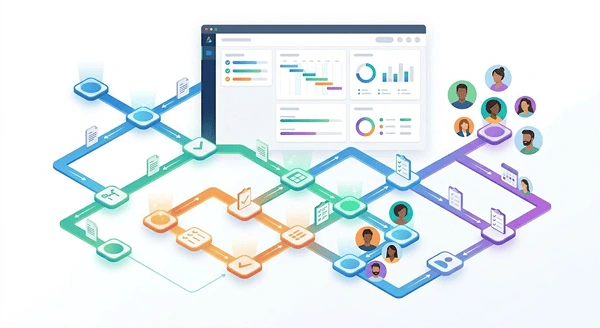
In every industry, an average team has to handle numerous tasks, emails, and files. In this, workflow management software can be a helping hand in boosting the team’s efficiency. The right choice will reduce manual effort and improve team collaboration, while the wrong one will drain time and resources.
In this guide, I am mentioning the top 20 workflow management tools so that you can find the best fit for your team!
Table of Contents:
What is the Workflow Management Software?
Workflow management software is the tool that helps teams design, automate, and manage tasks and processes. With this tool, the user can clearly assign tasks, track the process, and automate repetitive actions, enhancing the whole team’s productivity and efficiency.
This workflow tool simply brings structure to the scattered emails, chat threads, and spreadsheets. It helps save time by providing a centralized space to create task flows, set deadlines, and track progress.
You can see it as a digital system that tells how the work is going to be done- by whom, when, and in what order.
Top 10 Workflow Management Toolsc
Most of the workflow software solutions will help you stay organised, but the ideal one will make you move forward. It will reduce the manual effort and enhance team collaboration for better results. Some of the top software in the market are Notion, Asana, Airtable, and Jira.
Let’s understand their pros and cons and pricing structure:
1. Jira
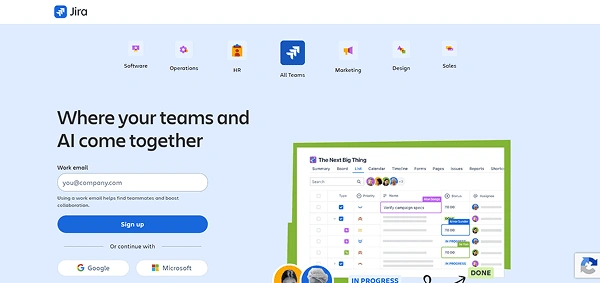
Jira is a highly adaptable workflow software supporting the visualisation and structuring well. Its dashboard has a calendar, list, and kanban views. You can update tasks from “To Do” to “Done” in just a few clicks. Though it has a learning curve, this free workflow management software helps teams to improve and plan their tasks more effectively.
- Best for: Software teams and product managers who are managing complex teams.
| Pros | Cons |
|
|
|
|
| |
|
Pricing Details:
- Free plan: free for up to 10 users
- Standard: $9.05 per user/month
- Premium: $18.30 per user/month
- Enterprise: custom annual pricing
2. Asana
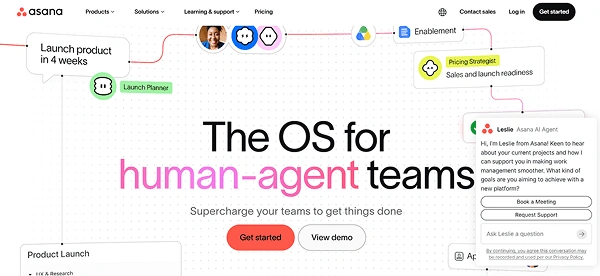
Asana is an enterprise workflow management software that has simple features to track tasks and projects. It provides a balance between flexibility and structure that is crucial for teams managing complex tasks. It features many view options like board, list, and timeline to track tasks and collaborate in different industries.
- Best for: Teams managing internal projects with a set deadline.
| Pros | Cons |
|
|
|
|
| |
|
Pricing Details:
- Free plan: Free for up to 10 users
- Starter: $13.49 per user/month
- Advanced: $30.49 per user/month
- Enterprise and Enterprise +: custom pricing
3. Monday.com
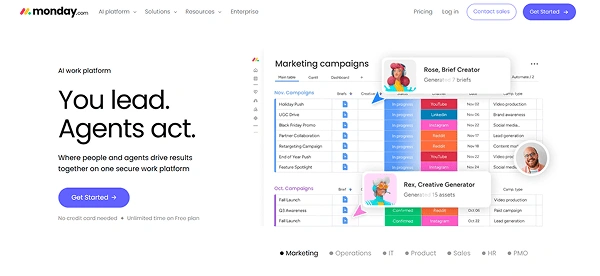
Monday.com is one of the best work operating software with visual boards and dashboards. It offers robust customization and reporting features to make workflow management more scalable and structured.
With this system, you can view projects in the form of calendars, tables, kanban boards, and gantt charts. If you manage multiple teams, tasks, and timelines, this system would be great to ease collaboration.
- Best for: Mid to large teams with clear deadlines.
| Pros | Cons |
|
|
|
|
|
Pricing Details:
- Free: Free up to two seats
- Basic: $12 per seat/month
- Standard: $14 per seat/month
- Pro: $24 per seat/month
- Enterprise: Custom pricing
4. Notion
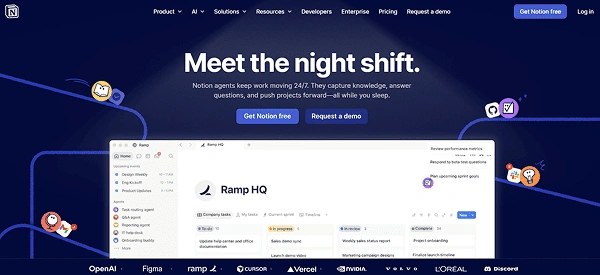
Notion is another software for workflow management that has a clean interface. It has a notes app, a project manager, and a database that helps in planning projects, writing docs, and tracking goals. This tool benefits the creative teams the most, providing a balance of organisation and flexibility.
- Best for: Users and small teams in a flexible organisation.
| Pros | Cons |
|
|
|
|
| |
|
Pricing Details:
- Free: Free for up to 10 users
- Plus: $12 per seat/month
- Business: $18 per seat/month
- Enterprise: custom pricing
5. Airtable
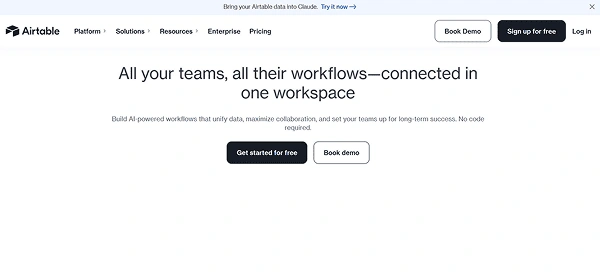
Airtable offers workflow management solutions with an interface that is similar to spreadsheets. It looks similar to Excel or Google Sheets but provides more features. In the sheet format, each cell can hold checkboxes, attachments, and status indicators. This system is used for no-code app building and data management.
- Best for: Teams working with structured data and visual planners.
| Pros | Cons |
|
|
|
|
|
Pricing Details:
- Free: Free for up to 5 editors
- Team: $20 per seat/month
- Business: $45 per seat/month
- Enterprise: Available on request, around $60 per seat/month
6. Qntrl
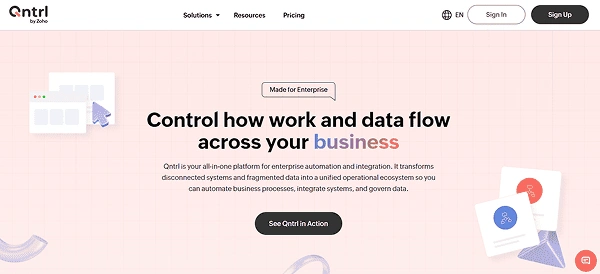
Qntrl is one of the low-code workflow tools that helps businesses automate and visualize complex processes. It lets users coordinate systems, people, and tasks, which eases the management of interconnected workflows. The core sections in its interface include boards (list, kanban, dashboard), circuits with a drag-and-drop feature, and reports.
- Best for: Operations teams and enterprises managing structural workflow.
| Pros | Cons |
|
|
|
|
|
Pricing Details:
- Standard: $15 per user/month
- Enterprise: $30 per user/month
- Custom: Quotation-based
7. Wrike
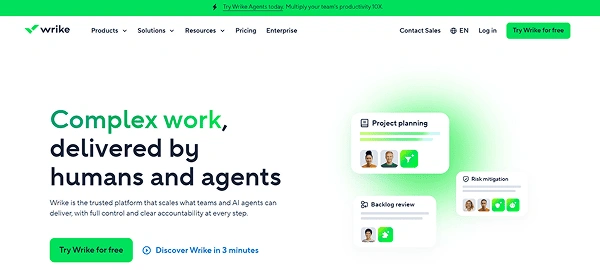
Wrike is the best workflow management software for project managers. It is highly adaptable and can handle everything from simple task tracking to complex processes. The system is great for real-time insights and clear process control. It has a fast and intuitive layout that helps create folders and tasks with a drag-and-drop feature.
- Best for: Project managers and cross-functional large teams handling complex projects.
| Pros | Cons |
|
|
|
|
| |
|
Pricing Details:
- Free: For basic tasks and management
- Team: $10 per user/month
- Business: $25 per user/month
8. Zapier
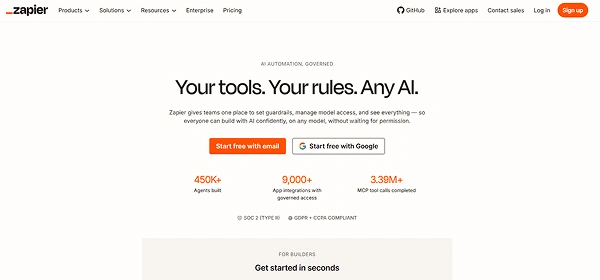
Zapier is the cross-app automation software that builds no-code workflows that is called “Zaps”. It is designed to connect different apps and make them work together without manual intervention or any coding. This is a highly versatile tool for automating workflows featuring tables, custom forms, and pages.
- Best for: businesses and non-technical users who want to automate tasks between apps.
| Pros | Cons |
|
|
|
|
|
Pricing Details:
- Free: Free for up to 100 tasks/month
- Professional: Starts at $19.99/month (at least 750 tasks/month)
- Team: Starts at $69/month (at least 2,000 tasks/month)
- Enterprise: Custom pricing
- Add-ons: From free to custom, depending on the plan
9. ClickUp
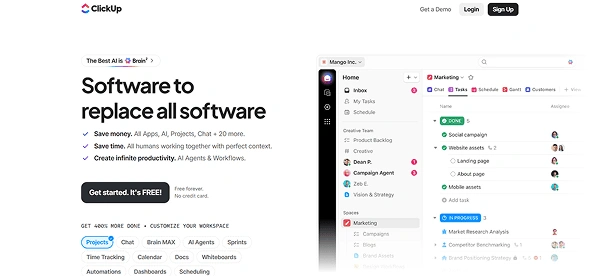
ClickUp is the true all-in-one productivity software. With this, users can manage multiple projects, write documents in collaboration with others, brainstorm on whiteboards, and even record screen updates. In its home view, you can see the reminders, priorities, and upcoming tasks. You can also create “Spaces” to manage multiple departments or projects.
- Best for: Growing teams and all-in-one work management across tasks, docs, and collaboration.
| Pros | Cons |
|
|
|
|
|
Pricing Details:
- Free: Free plan is available for basic task management.
- Unlimited: $10 per user/ month
- Business: $19 per user/ month
10. Trello
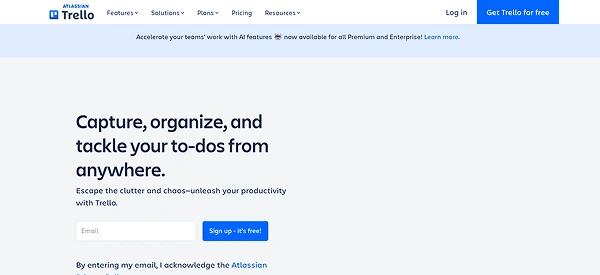
Trello is a new-gen program where you can organise work, personal tasks, and team projects. It provides a clean interface with boards for projects, cards for tasks, and lists to keep everything moving on time. You can see it as the digital whiteboard for managing not-so-complex tasks.
- Best for: Best for small teams or beginners.
| Pros | Cons |
|
|
|
|
|
Pricing Details:
- Free: Free plan is available for basic requirements.
- Standard: $6 per user/month
- Premium: $12.50 per user/month
- Enterprise: $17.50 per user/month
Also Read: 10 Best Commercial Property Management Software in 2026
Additional 10 Workflow Management Platforms to Consider
Here is the extended list of 10 additional workflow management systems that are worth considering to streamline operations. They include Nifty, Quickbase, Smartsheet and more. Take a look below at more softwares along with their pros and cons:
| Software | Pros | Cons |
| 11. Smartsheet |
|
|
| 12. Manifestly |
|
|
| 13. Nifty |
|
|
| 14. Odoo |
|
|
| 15. Quickbase |
|
|
| 16. Celigo |
|
|
| 17. Nanonets |
|
|
| 18. Quixy |
|
|
| 19. Cflow |
|
|
| 20. Freshservice |
|
|
Benefits of a Workflow Management System
Workflow management software is highly beneficial for businesses of all sizes. It increases the accountability of the team members and improves their efficiency. These tools also help in enhancing collaboration and reducing errors.
- Increased Accountability: By tracking tasks well, these platforms make follow-ups easier. They ensure that all team members are accountable for their tasks, leading to transparent performance.
- Improved Efficiency: They reduce the time spent on manual tasks and ensure the smooth movement of tasks through well-defined steps. As a result, these tools improve efficiency and contribute to faster project deliveries.
- Better Collaboration: These tools are designed to improve team collaboration by reducing misunderstandings and errors. Focused on communication and documentation, they help the team work more efficiently.
- Scalability: The system is highly adaptable and works with diverse teams, whether it’s a small team or multiple large-scale initiatives. It is designed to accommodate the complexity of different projects and adapt as the business scales.
Factors to Choose the Right Workflow Management Tool
There are some important factors that you can consider when choosing the right software, such as being user-friendly and customizable. It should also be suited to the budget and scalability.
- User-Friendly Interface: If the tool is hard to use, the team is not going to adopt it. If your team is new, select the easy to use drag and drop workflow builder. It depends on who is going to use it to decide the best tool.
- Customization: Always ensure you choose the software that matches how your team works. For instance, if the team prefers spreadsheets, consider Smartsheet, and if you want a document-based setup, Notion can be an ideal choice.
- Integrations: Consider what tools are going to be integrated with the software, such as accounting software, HR software, and CRM. The right one should easily link to the apps you are already using.
- Scalability and Pricing: The best software should grow with your business. To make the right choice, compare the pricing plans to find the tool that fits your budget requirements. It should be adaptable and handle more complex processes as the team gets bigger.
You May Also Read: Contractor Management Software: Definition, Features, Benefits, Challenges & Much More!
Bottomline
Workflow management software is highly beneficial for modern businesses. The above-mentioned tools are designed to genuinely make work easier and streamline complex operations.
Select the right one according to your specific requirements and budget. Also, gather feedback from the different departments to adjust and ensure overall smooth working.
FAQs
What is the best workflow software for teams?
Can workflow software connect with the tools I already use?
Yes! These tools are designed to be integrated with existing tools such as emails, calendars, and document storage applications.
Is workflow software suitable for small businesses or individuals?
Yes! Many of the tools are suited for small teams and individuals. They offer affordable pricing and an easy-to-use interface that can be accessed by non-tech users too.
How hard is it to set up a workflow management tool?
The setup depends on the selected tool. It can be simple or complex according to the complexity of your workflow that you want to automate.
Can workflow software help with remote team collaboration?
Yes! It can help remote setups with clear deadlines and real-time updates, improving collaboration and efficiency.
Sources:
10 Best Workflow Management Software – Forbes