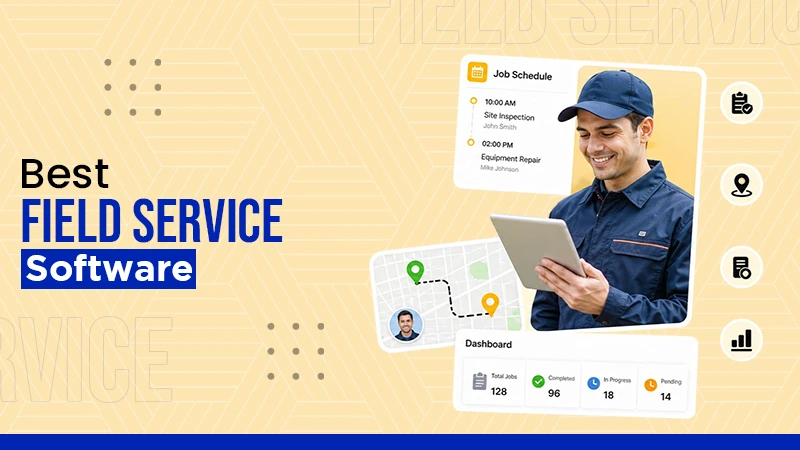
Different platforms have distinct pricing plans. The average cost ranges from $16 to over $400 a month.
10 Best Field Service Management Software: Features, Limitations and Pricing
POST BY
PUBLISHED
October 15, 2026
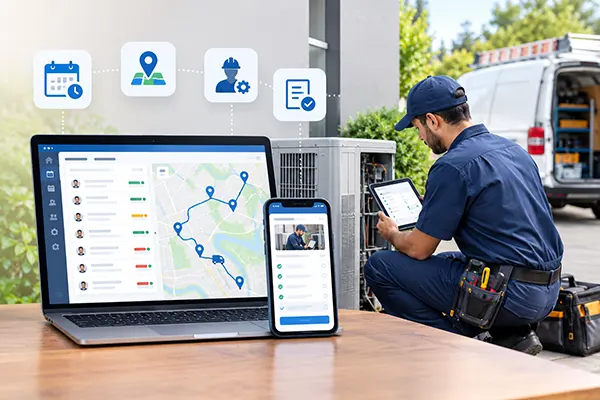
Field service management software helps HVAC, elevator, and specialty contracting businesses to manage field operations from a centralized platform. The field service management industry is experiencing strong growth worldwide. According to reports from Fortune Business Insights, the industry is projected to grow from USD 6.14 billion in 2026 to USD 13.79 billion by 2034. To meet this demand, various field service management software options are available to deliver better, faster service.
Read this article to understand the features and benefits of this software. Also learn about the 10 best field management software in the market.
Table of Contents:
What is Field Service Management Software?
Field service management (FSM) software refers to a digital platform that helps businesses manage field operations, including scheduling, dispatching, and invoicing, on a single platform. With this tool, you can finish the work faster with fewer errors and keep the equipment running.
Take a look below to learn about the field service management software features:
- Real-time dashboard and reporting: It helps companies monitor performance metrics, track field personnel, and make informed decisions. Ultimately, it offers a view of ongoing activities and valuable insights into productivity and efficiency.
- Seamless integration with your service software and ticketing system: This integrates with your service software and enables you to provide fast and personalized support. This increases customer satisfaction and the productivity of the field agent.
- Field mobile app: Field technicians can access important information, work orders, and customer details on the platform through their mobile devices.
- Scheduling and dispatching: The platform helps dispatchers to update task assignments based on field agents’ location and skills. The tool also offers automation to streamline the scheduling process.
- Work order management: It provides businesses with a systematic approach to create, assign, and track tasks in a well-organized interface, resulting in reduced errors.
Also Read: Top 10 Construction Scheduling Software to Streamline Projects
Top 10 Field Service Management Platforms for Businesses
There are many FSM software options available for businesses in the market, including Zuper, Jobber, Salesforce Field Service, and Service Fusion.
Let’s see the features, limitations, and cost for each tool so that you can select the best one for your needs:
1. Zuper
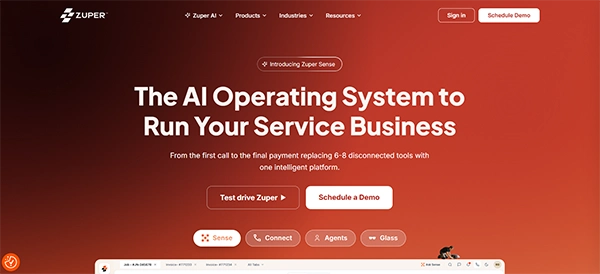
Zuper is the field service software that can also be used to manage the remote workforce. It has an AI-based intelligent dispatching feature that automatically assigns the right field technician to the job site according to the skill set and proximity.
Teams can also receive real-time insights for data-driven decision-making with the platform’s analytics and reporting. It facilitates the inventory view and even the battery percentage of the technician’s mobile.
Key Features
- Mobile app and offline mode for capturing digital signatures and photo and video uploading.
- Intelligent dispatching and scheduling for assigning jobs to technicians based on location, skills, and availability.
- Offers no-code customization and workflows
Limitations
- Complex implementation with a learning curve and onboarding investment.
- No transparent published pricing.
- Best for: Teams that want strict workflow control and configurable field processes.
- Pricing structure: Custom quoted. A 14-day free trial is available.
2. Salesforce Field Service
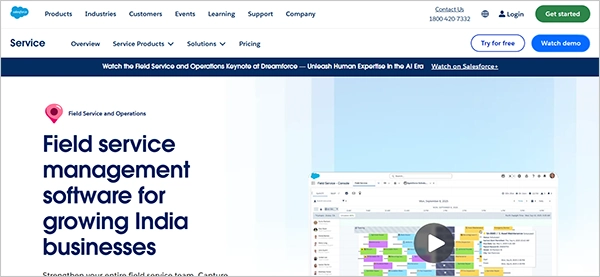
Salesforce Field Service is a field service management app that helps manage mobile workers. With this, the technicians can access appointment information, view schedules, and update data from their phones. The tool’s visual remote assistant add-on supports the technicians through live video streams. Its support personnel can also forecast the impact of resource allocation and travel time to correct scheduling issues.
Key Features
- AI-powered scheduling for work orders based on location, skills, and needed tools.
- Mobile app functionality and offline capabilities for viewing job history, capturing signatures, and updating work orders.
- Provides real-time visibility into inventory and asset tracking.
Limitations
- Deployment is time-consuming and requires experienced professionals.
- Integrates well with the Salesforce ecosystem but poses challenges when connecting with non-Salesforce systems.
- Best for: CRM led service transformations and CX focus.
- Pricing structure: Starts at $50 per user/month or $20 per login.
3. Jobber
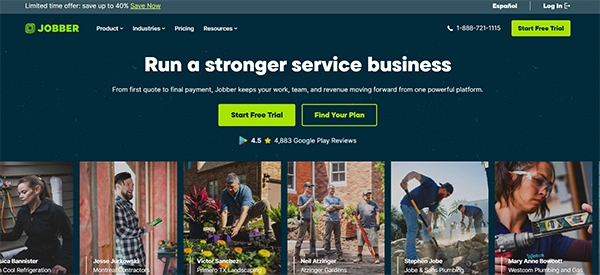
Jobber is one of the best field service management software companies for the construction and home service industries. It has about 300,000+ users across 50+ industries. On this platform, customers can text with technicians, book appointments online, and receive confirmations and notifications.
The dashboard of the platform provides information about the company’s jobs, current requests, quotes, and invoices. The personnel within the dashboard can also track job details, working hours, and expenses.
Key Features
- Has mobile apps that allow field workers to clock in, view schedule details, capture photos, and fill out the checklists.
- Offers a drag-and-drop calendar to assign jobs, view crew availability, and optimize daily travel routes.
- Automated communication feature with text and email visit reminders, follow-ups, and past-due invoice alerts.
Limitations
- The reporting is limited to basic revenue and invoice tracking, and it lacks deep customization.
- Extra cost for advanced add-ons.
- Best for: Growing service teams.
- Pricing structure: Starts at $29 to $39 per month for individual solo plans and scales up to $599+ per month for larger teams. A 14-day trial is available.
4. Service Fusion
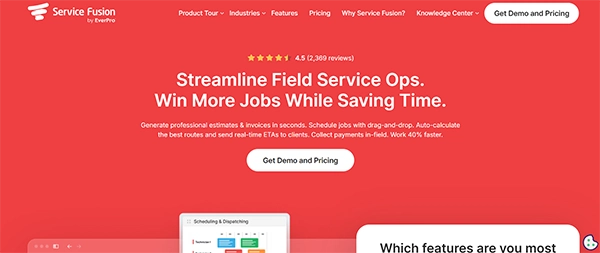
Service Fusion is the field service management system that helps companies manage customer communication and fleet operations. With this tool, businesses can create and share detailed job estimates about potential costs and services. As customers accept the terms, they can electronically sign the document and cut down on physical paperwork.
Technicians can also add notes to customer accounts, requirements, and special instructions. This helps the field personnel to better access the information before or during a service visit and can tailor their approach better to meet customer expectations.
Key Features
- Has a colour-coded drag-and-drop dispatch board to assign and manage technicians’ routes.
- The mobile app connects the field staff to the office, allowing the technicians to view schedules, collect signatures, and process payments.
- Features GPS fleet tracking in the platform.
Limitations
- No offline mode, so technicians cannot view or update the job data if they don’t have an internet connection.
- Extra add-on costs that increase the monthly cost.
- Best for: Growing teams that want price predictability.
- Pricing structure: Starts at $192 per month.
5. ServiceTitan
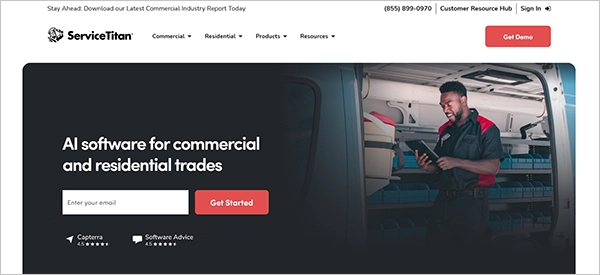
ServiceTitan is another field technician software for residential and commercial field service businesses. This tool allows businesses to track costs in real time, furnish invoices, manage crew schedules, and maintain accurate accounting. Its automated solutions save significant time. Overall, it is one of the top choices for large residential trades or franchise-style operations that need price management or fast mobile workflows.
Key Features
- Helps with real-time technician tracking, job scheduling, and provides mobile access to field teams.
- AI-powered assistance to troubleshoot equipment, pull manuals, and find parts.
- Detailed tracking of marketing attribution, employee performance, and revenues.
Limitations
- Less suitable for small companies due to an expensive pricing model.
- Primarily built for the North American market with limited global support.
- Best for: Plumbing, HVAC, electrical, and home services.
- Pricing structure: Custom quoted.
6. Intuit Field Service Management
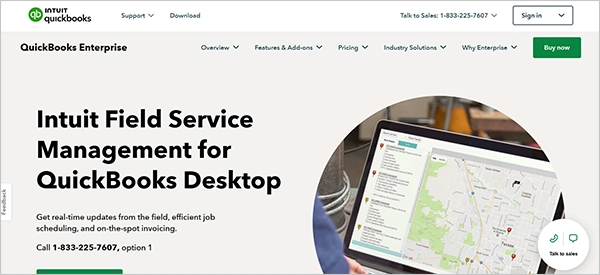
Intuit Field Service Management is the field services software for both small- and large-scale businesses. Its management system allows companies to create, assign, and track work orders. The tool also allows the field technicians to access detailed information, including the job needs, customer details, and any required materials or equipment.
The platform helps in tracking the equipment service history to maintain a record of maintenance activities. Technicians can also generate and present invoices to the customers upon job completion with on-the-spot invoicing.
Key Features
- Real-time view of technicians’ location and drag-and-drop calendar scheduling.
- Availability of a mobile app to view job history, add notes, capture signatures, and upload photos.
- Integrates with Google Maps for turn-by-turn directions and real-time worker tracking.
Limitations
- Outdated interface compared to newer competitors.
- Users report difficulty reaching customer support after the initial implementation phase.
- Best for: Small-to-medium field service, repair, and installation businesses.
- Pricing structure: Starts at $35 per user/month for up to 10 users. A 30-day free trial is available.
7. Simpro
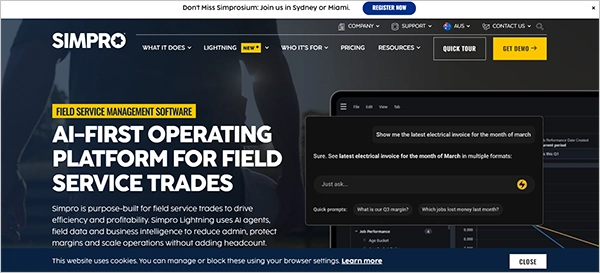
Simpro is a field service management software that is built for trade businesses like HVAC, plumbing, and fire protection. On this platform, customers can estimate project costs and build quotes. It also helps set up recurring invoices and notifications for their customers. This feature automates the billing process for recurring services like subscription-based offerings and maintenance contracts.
Key Features
- Using the Gantt. chart views and a real-time tracking dashboard, it helps manage field and contractor scheduling.
- Helps track the inventory and purchase orders.
- Allows syncing the financial data seamlessly with popular accounting software.
Limitations
- Mobile app instability, as technicians report performance friction, including freezes and limited offline reliability.
- Best for: Field service management and job management in trade businesses.
- Pricing structure: Custom quoted.
8. Skedulo
Skedulo is the field service project and workflow management software that promotes work productivity. Its deskless productivity cloud helps businesses with a remote workforce simplify management across workers with different skills, locations, certifications, and availability. The platform’s scheduling feature uses intelligent automation to match schedules to complex customer needs.
Key Features
- Uses AI to match jobs with best-suited workers.
- The mobile app empowers workers with offline access and real-time status updates.
Limitations
- Complex setup for smaller teams.
- Best for: Field-based deskless workforces.
- Pricing structure: Custom quoted.
9. Housecall Pro
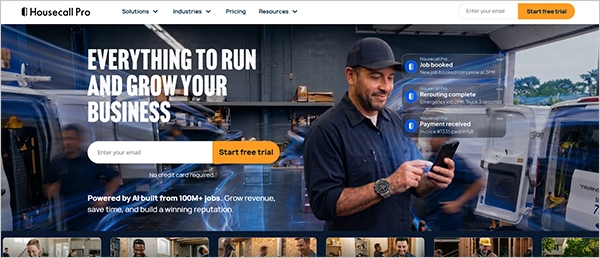
Housecall Pro is a service management software for home service businesses. Dispatchers can monitor the real-time location of the field technician with the GPS tracking feature. The tool also allows the sending of automated customer appointment reminders, updates, and notifications via text messages. It has a review generation feature that helps businesses build and manage their online reputation.
Key Features
- Has a mobile app for easy booking, invoicing, and reminders for jobs.
- Features a drag-and-drop calendar interface for a visual calendar and real-time technician map tracking.
- Automated text messages and appointment reminders.
Limitations
- Limited advanced analytics or features.
- Scaling and add-ons lead to extra costs.
- Best for: Small and solo field service businesses.
- Pricing structure: Starts at $49 per month for one user. A 14-day free trial is available.
10. Workiz
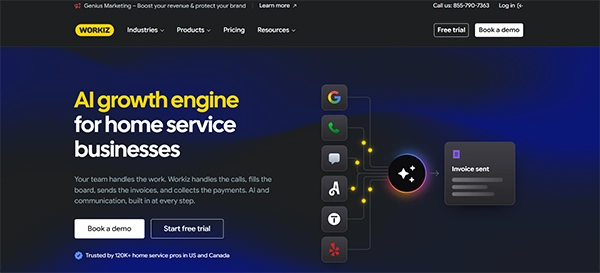
Workiz is the field activity management software that is specifically built for shops fielding urgent calls constantly. It has built-in call tracking and ties the recorded calls to customer jobs and profiles. It is great for assigning and closing out jobs, but it is not designed for longer sales cycle management. Therefore, it is best for dispatch-heavy work but not for running a sales pipeline.
Key Features
- Drag-and-drop calendar for intelligent scheduling and dispatching.
- Supports call tracking and automated call recording inside the platform.
- Helps with payment processing and detailed reporting.
Limitations
- Users report lagging and freezing up in the mobile app.
- Not suited for the solo operator who just wants to manage customer communication, schedules, and estimates.
- Best for: Dispatch-focused teams.
- Pricing structure: $225/month for up to five users for a month. A 7-day free trial is available.
Next Read: 10 Best Change Management Software in 2026: Top Tools, Features & Pricing
Benefits of a Field Service Management Platform
A field service management application is highly beneficial for businesses as it improves the customer experience, enhances productivity, and streamlines communication.
Here are the benefits of a field service management platform:
- Improved CX: The software helps in providing a better customer experience with accurate updates on their appointment status.
- Better Productivity: This management system helps in assigning tasks to the workers based on their location, availability, and skills, enhancing efficiency and saving time.
- Streamlined Communication: It is a centralized platform where both the dispatchers and technicians work. This adds to improved communication, as they can send and receive real-time updates.
- Simplified Process: The automated process simplifies work order management, ranging from assigning work to inventory management.
Also Read: 10 Best Onboarding Software to Simplify New Hire Management
How to Choose the Right Field Service Job Management Software
If you want to choose the right software for your business, look for tools that can be integrated with your customer service software. Also, it should have customizable settings and a free trial.
- Integration with your customer service software: The best FSM software will integrate seamlessly with your helpdesk software. This is important for the easy exchange of information. It also helps you access a unified view of the customer interaction.
- Prioritization of customizable settings: The right tool should have customizable settings to meet the requirements of different businesses.
- Use the free trial first: There are many platforms that offer a free trial. It’s beneficial to get hands-on experience with the software’s performance and functionality.
Also Explore: 10 Best Resource Management Software: Comparison, Features and Differences
Final Words
The field service management platform is a technology that helps service companies manage all field operations on a single platform. Some of the best FSM software options are Housecall Pro, Simpro, Jobber, and Zuper. A single software is not suited for everyone. Make your selection based on your business requirements.
FAQs
How much does a field service management platform cost?
How does a field service management software support dispatching?
It supports dispatching by assigning work to field technicians based on their availability, location, and skills. Dispatchers can also communicate with the field technicians using this platform regarding job details and updates.
Who needs field service management software?
Many businesses can benefit from this software in industries including telecommunications, construction, utilities, and HVAC.
Which is the best field service management software?
There are many software options available in the market, including Simpro, Workiz, Skedulo, and ServiceTitan. You can choose the best one as per your business needs.
Can FSM work offline?
Yes! Many FSM tools function offline so that the technicians can update work and access details without the internet.
Sources:
Best Field Service Software – Forbes