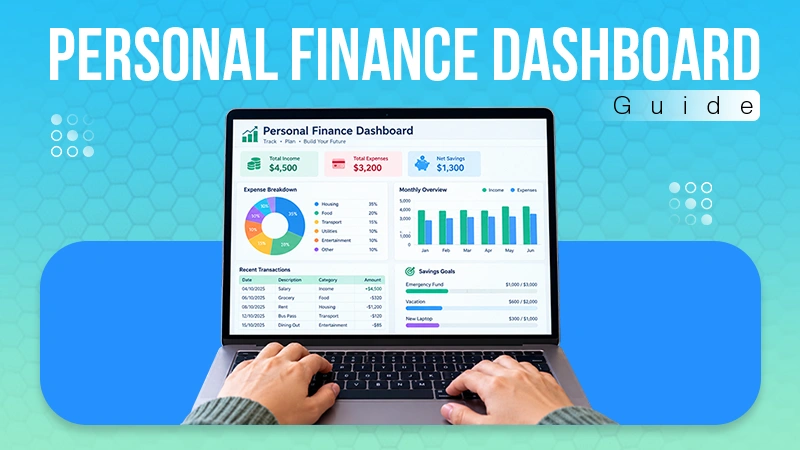
Change management software is a digital platform designed to help organizations plan, execute, track, and document transitions.
10 Best Change Management Software in 2026: Top Tools, Features & Pricing
POST BY
PUBLISHED
July 16, 2026
Businesses evolve and adopt new technologies all the time; because of this, managing organizational change has become more complex than one would think.
Without the right tools, tracking change requests and communication can quickly become overwhelming to manage.
That is where change management software comes in.
Change management tools help organizations streamline change processes, improve collaboration, and maintain compliance. This article will explore the top 10 change management software tools to make this process a bit easier.
Let’s explore!
Table of Contents:
Top 10 Change Management Software in 2026
There are many change management tools available in the market. But this article will feature the 10 best organizational change management solutions businesses should look for.
1. Jira Service Management
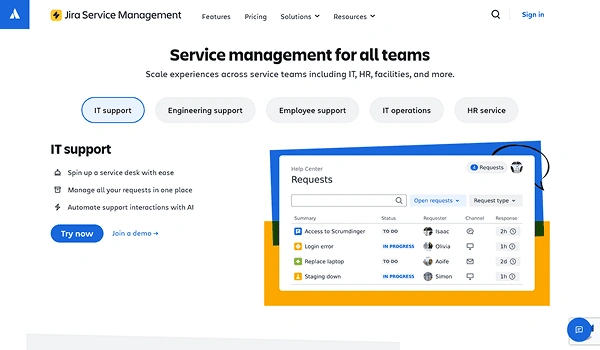
One of the best change management tools available on the market is Jira Service Management. It helps teams manage IT change directly inside the tool through predefined change types, automated workflows, and integrated risk assessment. The software brings together IT, development, and operations to coordinate changes.
Key Features:
- Include risk assessment and impact tools
- Intuitive service desk & ticketing
- Incident & major incident management
- Asset & configuration management (CMDB)
Ideal for: Businesses operating inside Jira.
Pricing
- Free for up to 3 agents but limited to 500 automations per month.
- Starts from a $20 per agent/month plan for a higher automation limit. However, businesses can also get custom prices.
2. Whatfix
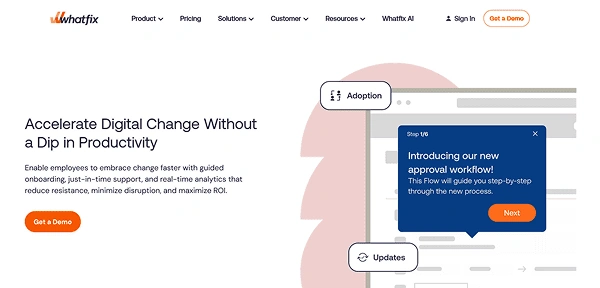
Whatfix is designed for teams to seamlessly adopt new software. This change management platform allows you to analyze and automate the process by providing step-by-step instructions for every application.
Key Features:
- Interactive walkthroughs
- Contextual tooltips directly on the UI
- Targeted UI elements used to highlight new features
- Integration with other collaboration tools like Freshdesk and Moodle
Ideal for: It is great for teams looking to adopt new software in their organizations.
Pricing
- Custom pricing for all their plans
3. ClickUp
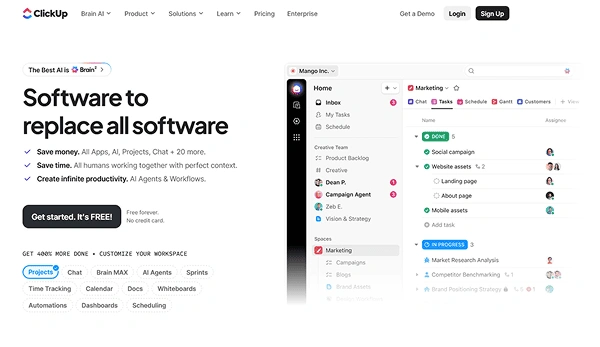
ClickUp provides all project management tools in a single platform. So, obviously, it would support all aspects of a business, which includes a change management tool.
Key Features:
- Includes a lot of change management tools to pick from.
- Mind maps for clear visualization
- Manage IT teams and IT infrastructure with ease
- High-level dashboard for the current change process
Ideal for: This is a great change control software suited for all types of users, including small and big teams.
Pricing
- Free plan for personal use only
- Starts from $7 per user/month for businesses. It also features custom plans as well.
4. Freshservice
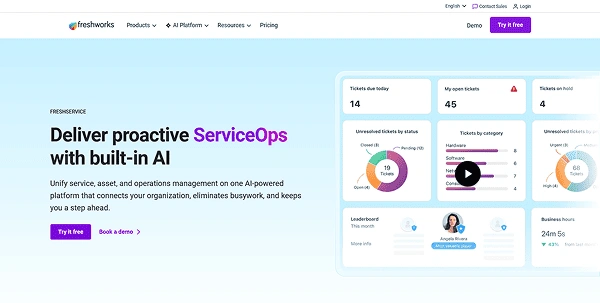
Freshservice is an AI-powered ITSM platform that supports structured change initiatives through built-in ITIL workflows and automated change control. Teams of various sizes can use it for planning change requests, managing approvals, reducing deployment risk, and tracking progress across complex service environments.
Key Features:
- Includes a drag-and-drop workflow builder
- Change request templates and structured workflows
- AI-powered automation and insights
- Impact and risk assessment
- Reporting and analytics of IT change performance
Ideal for: It is ideal for IT teams that oversee formal change processes.
Pricing
- Starts at $29/month for the Starter plan. Big organizations can customize their enterprise-grade plan.
5. Monday.com
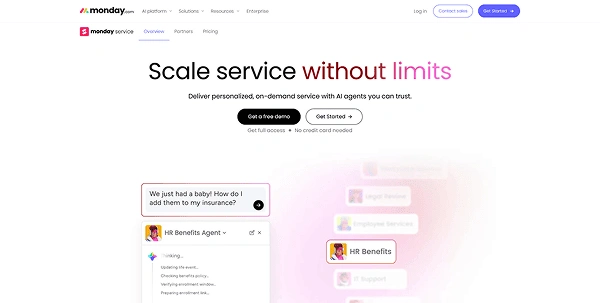
Another amazing change management tracking software is monday.com. This strategic management software is designed to improve the efficiency and effectiveness of service operations. It offers a customizable and no-code interface that allows teams to automate their workflows without any hassle.
Key Features:
- Intuitive change management template
- Monday Service offers powerful automation capabilities
- It supports data-driven decision-making by providing visual dashboards
- It can integrate well with various productivity tools such as Microsoft Teams, Outlook, Slack, and Gmail.
Ideal for: It is best suited for teams looking to visualize and track changes systematically.
Pricing
- It offers a 14-day trial period
- The annually billed plans start from $9/seat/month
6. WalkMe

WalkMe is a bit different from all other IT change management software. Its guidance tools are there to prevent errors and encourage desired behaviors from employees and customers. WalkMe can easily simplify back-office functions with a myriad of interesting features.
Key Features:
- They offer guidance tools and onboarding for popular software to make onboarding easy.
- It encourages desired behaviors by helping them reach their goals.
- Its onboarding for software includes the likes of Salesforce, Workday, Jira Service Management, NetSuite, Talentsoft, and more.
Ideal for: This change management tool is best suited for managing both customer and employee change.
Pricing
- Custom pricing for all their plans
7. InvGate Service Management
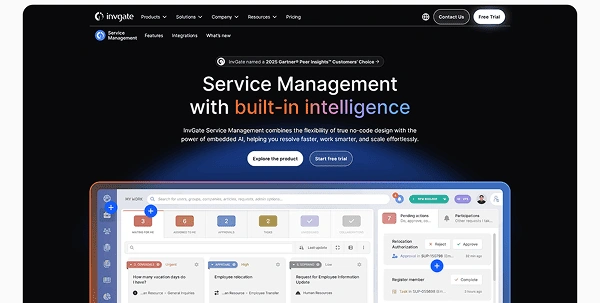
InvGate Service Management is one of the IT change management tools that also supports broader organizational change. It can easily create modern workflows, automation, and visual dashboards. With this, teams can standardize change requests, understand their impact, and also track progress.
Key Features:
- Robust workflow builder and automation capabilities
- Comprehensive reporting and analytics suite
- Integrations with tools like Azure DevOps, Office 365, Okta, OpenAI, Outlook, and Jira
Ideal for: Best suited for organizations that want a modern ITSM platform that allows cross-department change.
Pricing
- They offer a 30-day free trial
- Normal plans start from $17/user/month
8. Wrike
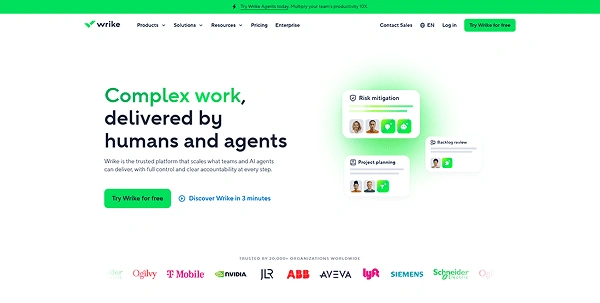
Wrike is an enterprise change management software designed for both small and large teams. It can effortlessly support organizational change with project workflows, templates, and real-time reporting. The tool also works great for transition periods; it can surpass all its goals.
Key Features:
- Collaborate in real time with the entire team
- Include various change-tracking tools, such as real-time notifications and dynamic reports
- Templates available for recurring initiatives
- Can make seamless, systematic adjustments within the platform
Ideal for: It can work well for both small and large teams.
Pricing
- Free tier for teams just getting started
- Custom plans start from $10 user/month
9. Trainual
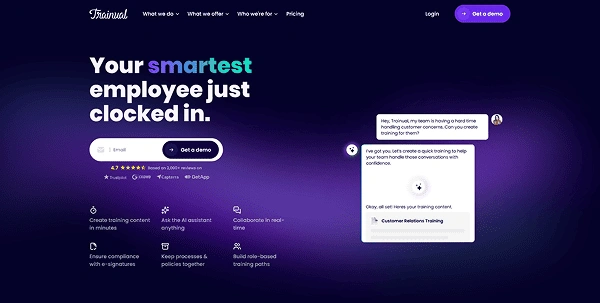
Trainual is a powerful change management software that helps businesses document and organize their processes, procedures, and policies. The teams can easily access the standard operating procedures they require to perform their duties effectively.
Key Features:
- AI-powered process documentation
- Instant Notifications & Version History
- It allows businesses to capture and organize knowledge
- Real-time progress tracking with completion dashboards
Ideal for: As evident from its features, this change management tool is ideal for change documentation.
Pricing
- Free demo available for all-sized teams
- Custom pricing (available upon request)
10. Miro
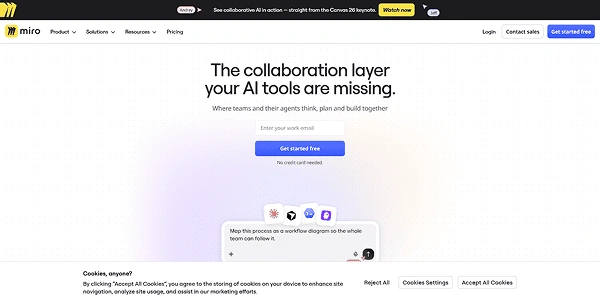
Miro is a visual collaboration and innovation workspace that functions as a change management tracking system. With this, teams can plan and map organizational change using whiteboards, visual frameworks, and more. It can communicate structural or procedural changes—such as adopting new software or altering workflows.
Key Features:
- Include visual elements, mapping, and whiteboarding.
- Built-in, ready-to-use framework like the Kotter change management model
- Visually organize, discuss, and plot change initiatives
- Sync it easily with Jira, Asana, and Monday.com
Ideal for: It would be great for distributed teams that are planning to collaborate on change initiatives.
Pricing
- The free tier gives you up to 3 editable boards and 10 shared AI credits.
- The starter plan starts from $10/month.
What to Look for When Choosing Change Management Software
Before choosing a change management solution, you must think about whether it will fit within the organization or not.
So, whether you are in need of an IT change management tool or an organizational change management software, you’ll have to look at these things.
- User Interface – The tool must have an intuitive user interface for quick adoption.
- Integration Capability – Must be capable of integrating with other tools, such as customer relationship management.
- Process Mapping – It gives you a clear picture of where things are headed.
- Timeline – Must include a timeline of important milestones, tasks, and other things.
- Structure – It needs to clarify the roles and responsibilities of everyone.
- Includes Metrics – Must include metrics to measure success. These include Readiness assessment results, training effectiveness, key performance indicators, and more.
Related Read: Best 20 Workflow Management Software to Streamline Business Operations
Wrap Up
Change management software contributes significantly to the success of an organization because it provides structure and efficiency. It helps companies navigate complexities and mitigate risks. Ultimately, it facilitates smoother and successful transformation.
No matter which type of change management tool you are looking for, this list has them. We hope that this list of the best change management tools has been helpful.
If you have any suggestions that aren’t on this list, please do let us know.
FAQs
What is change management software?
What are the best change management tools?
The list of best change management tools includes Jira Service Management, monday.com service, Trainual, Freshservice, and more.
What are the best IT-focused change management tools?
Jira Service Management and Freshservice are the top choices for IT-aligned change management.