The core features in this software include document and plan management, project scheduling, task management, budgeting, and cost control.
Top 10 Construction Scheduling Software to Streamline Projects
POST BY
PUBLISHED
July 14, 2026
Construction projects can feel quite intimidating with regulatory issues, equipment rentals, and safety concerns. They usually need a lot of planning and precise coordination to be successful. But what if I tell you a software that is designed to tackle these challenges?
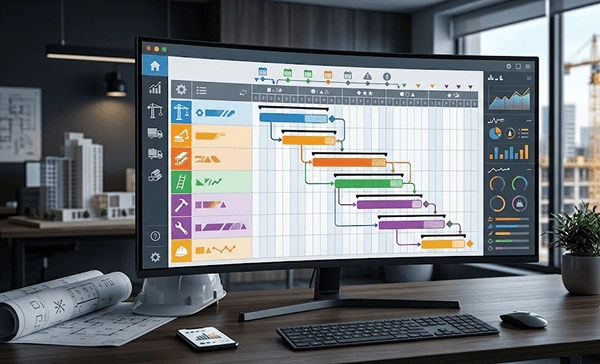
Construction scheduling software simply helps keep the projects on track and meet the deadlines. It has project planning and scheduling features to make the complex processes easier. Explore this article to know the top 10 construction programme software and the benefits of using them.
Table of Contents:
What is Construction Scheduling Software?
Construction scheduling software is a digital program that is designed to plan, manage, and track jobsite progress in real time. It keeps all the information in a single place and helps in organising a timeline for the completion of the project. It is focused on making the process easier while meeting deadlines, staying on budget, and avoiding mistakes and delays. Through this, it stays beneficial for both the workers and clients.
Also Read: 20 Best Sales Forecasting Software to Improve Revenue Planning in 2026
Top 10 Construction Schedule Software
There are many great construction scheduling programs, including SmartPM, Smartsheet, Float, Notion, and Jobber. Take a look below to know the details about each software:
1. SmartPM
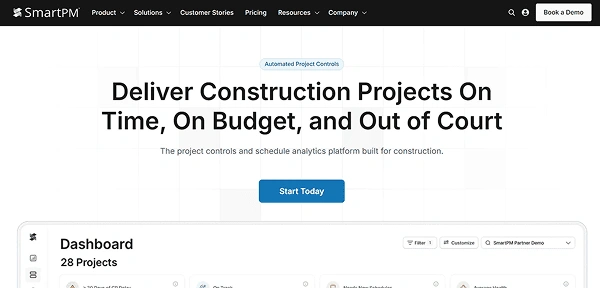
SmartPM is the scheduling software construction created by Mike Pink. It computes the schedule from the raw data and derives critical path movements. You can compare the two updates side by side and can carry out the trend tracking of the quality scores. It can be seamlessly integrated with the existing CPM scheduling software and helps in decreasing the costly delays, overruns, and disputes on the projects.
- Available for: Windows, macOS, Android, iOS
Pros
- Offers real-time project performance insights.
- Has easy-to-read dashboards and reports.
- Integrates with popular scheduling tools.
- Identifies delays and schedule risks early.
Cons
- Needs minimum 5 projects commitment, which makes it less suited for organisations running fewer active projects.
- Can have a learning curve for the new users.
Pricing Structure:
- Essentials: $12,000 per year for up to 50 projects with unlimited users
- Controls: $25,000 per year for 5 control slots
2. Smartsheet
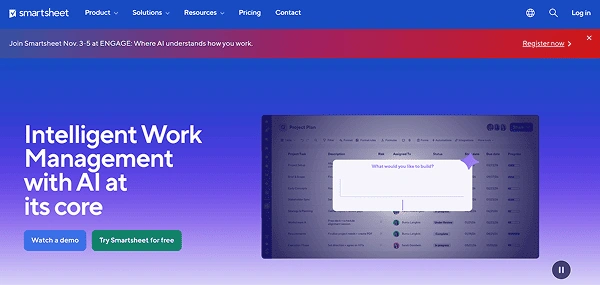
Smartsheet is one of the best software programs for construction scheduling that offers a similar interface to spreadsheets. If you have spreadsheet working experience before, it takes much less time to get used to this program.
It offers project management features like custom fields, automation, flexible project views, and dependencies. Users like its Gantt view, where it divides the screen into two halves. On one side, you will see your spreadsheet, and on the other side, a visual overview of the timeline.
- Available for: iOS, Android, MacOS, web, and Windows
Pros
- Easy to use for people who are used to spreadsheets.
- Offers a good Gantt view.
- Has extensive formulas for resource calculations.
Cons
- The free plan is very limited.
- Unclear feature availability.
Pricing Structure:
- Free: $0 for up to 2 users
- Pro: $7 per user/month for 10 members
- Business: $19 per user/month for a minimum of 3 users
- Enterprise: Custom quoted
3. Buildxact
Buildxact is the construction management scheduling software that offers a wide range of features like tracking leads, creating invoices, and managing costs. It has a pipeline-focused system that lets users structure workflow management well.
The best feature of this platform is generating leads, as the rest of it is connected to it. You can add leads as basic info like number, person of contact, and email. It also tracks the project scope of the client, files, and notes from previous conversations with the client.
- Available for: iOS, web, and Android
Pros
- Brings everything in one place: estimating, job pricing, scheduling, and operations.
- Offers a great timeline view.
- Accurate and easy to create estimates.
Cons
- Users report problems in transitioning estimates into jobs.
- Has relatively expensive paid plans.
Pricing Structure:
- Pro: $169/month
- Business: $339/month
- Business Plus: $509/month
4. Fieldwire
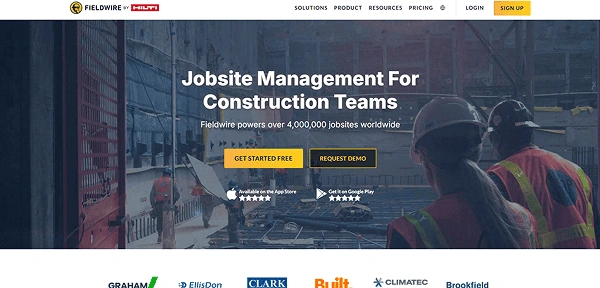
Fieldwire is the project scheduling software for construction with its floorplan-based task setting. With it, users get good scheduling options and documentation management tools. This contractor management software is ideal for those teams that are dealing with lots of documentation. The platform’s document management options are certainly its strongest point. The separate files tab, it lets you manage files, sort them in folders, and edit access, which leads to clarity.
- Available for: Android, iOS, web, and Windows
Pros
- Extensive file management options.
- Offers an easy-to-use mobile app.
- Manages schedules with the Gantt view.
Cons
- Limited reporting features.
- Limited customization.
Pricing Structure:
- Basic: $0 for up to 5 users
- Pro: $39 per user/month
- Business: $59 per user/month
- Business Plus: $89 per user/month
5. Float
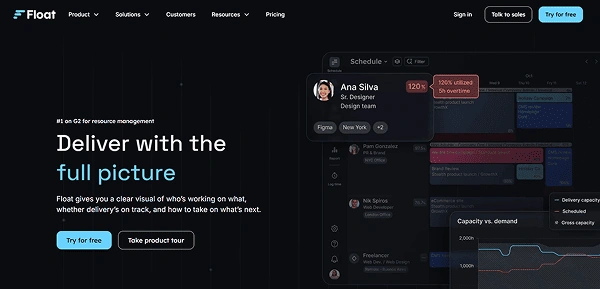
Float is one of the best project scheduling software that is useful in the management of finances and timelines. It provides detailed information on budget management and utilization.
Its user interface is easy to navigate and manage. Users also mention its toolbar with keyboard shortcuts, which makes adding dependencies quite a simple task. By accessing this platform, you can manage your finances very well. It has various features that are connected to budget and costs.
- Available for: iOS, Android, and web
Pros
- Effective finance management options.
- Time tracking feature in the app.
- Has comprehensive scheduling tools.
Cons
- Automation is not available.
- Limited project management features.
Pricing Structure:
- Starter: $7 per user/month
- Pro: $12 per user/month
- Enterprise: Custom quoted
6. Jobber
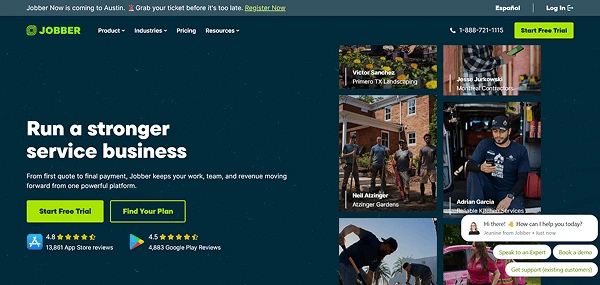
Jobber is the industry-specific contractor scheduling software that makes it easy to manage jobs and finances. It also helps ensure that all the work is done on time and at the right location. It is an ideal tool for managers who find it hard to manage their jobs and subcontractors on-site.
This software tracks projects, prioritising clients, projects, and schedules. Managers often find hiring subcontractors risky as they are prone to time theft. This platform helps in mitigating the risk as workers can input time manually and start a timer by themselves.
- Available for: iOS, web, and Android
Pros
- Offers effective schedule management.
- Has many reporting options.
- Features time and location tracking.
Cons
- Costly paid plans.
- Limited functionality, especially for scheduling.
Pricing Structure:
- Core: $29 per user/month
- Connect: $129/month for up to 5 users, $29 per user/month for additional users
- Grow: $249/month for up to 10 users, $29 per user/month for additional users
- Plus: $449/month for up to 15 users, $29 per user/month for additional users
7. Autodesk Build
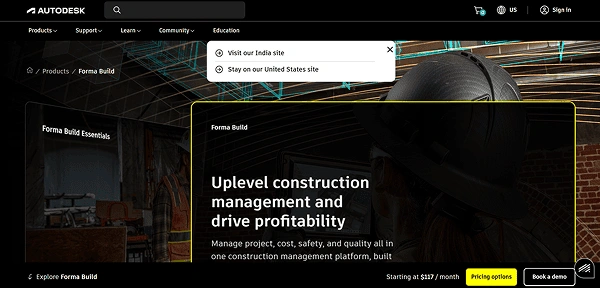
Autodesk Build is a part of Autodesk Construction Cloud, which is a collection of apps made for construction agencies. It is designed to focus on safety, budget, project, and quality management. It is great for multiple teams and companies, reducing miscommunication and minimizing rework.
Even when it is part of the larger Autodesk suite ecosystem, it still manages to stay centralised. It has a bridge tab where you can share copies of project information without compromising data security.
- Available for: iOS, Android, Windows, and web
Pros
- Offers great UI organisation.
- Facilitates detailed file sharing.
- Reports that can be customized.
- Has AI-powered specification management, allowing easy scanning of documents.
Cons
- Has a steep learning curve.
- Relatively expensive paid plans.
Pricing Structure:
- Autodesk Build: $140/month
8. Notion
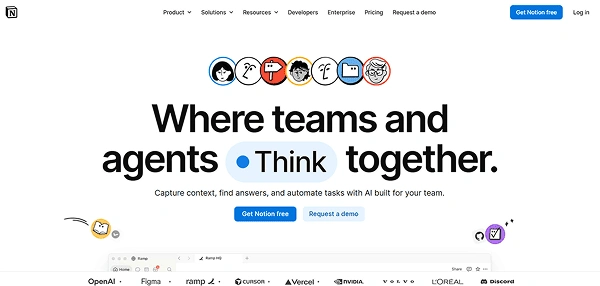
Notion is primarily a note-taking and productivity software, but its flexibility makes it well-suited for construction scheduling too. It offers various customization options that are perfect for managers who want to create a completely personalized construction schedule. Everything works here in the form of pages, which are a collection of data. On the blank pages, you can add basic blocks, media, databases, inlines, and embeds.
- Available for: macOS, iOS, web, Android, and Windows
Pros
- A wide range of customization options.
- A large variety of templates.
- Good timeline view.
- Supports real-time team collaboration.
Cons
- Not specifically built for construction management.
- Limited offline functionality on mobile.
Pricing Structure:
- Free: $0 for 1 user
- Plus: $10 per user/month
- Business: $20 per user/month
- Enterprise: Custom quoted
9. Planera
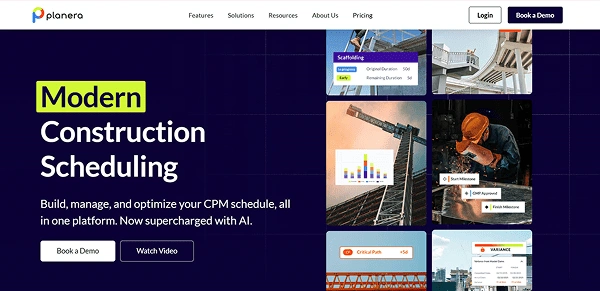
Planera is the scheduling software for construction that combines scheduling with a visual interface. With this platform, you can collaborate in real time and track constraints, which makes the overall work easier. It can be integrated with Autodesk and is designed to prioritize usability. However, it is newer in the market and limited in forecasting and advanced analytics.
- Available for: Android, Windows, macOS, and iOS
Pros
- Supports real-time collaboration across team members.
- Visual scheduling and user-friendly interface.
- Integration with industry-specific tools like Autodesk and Procore.
Cons
- Pricing is not publicly published.
- Newer to the market with limited analytics.
Pricing Structure:
Operates on a custom pricing model.
10. Plaky
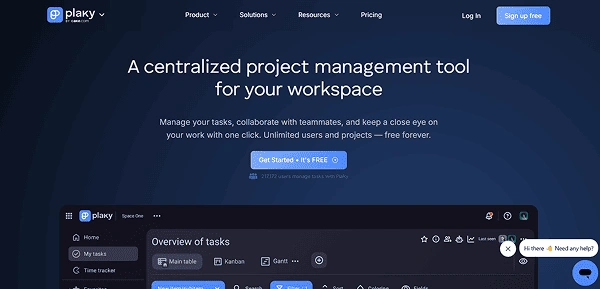
Plaky helps managers stay on top of projects with ease with its wide range of features. It provides features for construction schedules, resource tracking, and staying well connected on its mobile app. With the extensive project tracking options, Gantt charts, and custom charts, you can streamline various tasks. The best part about Plaky is that it is highly intuitive. It requires a very short onboarding time that users often like.
- Available for: web, Android, and iOS
Pros
- Unlimited users and projects on the free plan.
- Easy to use for users who prefer to work on spreadsheets.
- Offers fast setup and onboarding for new team members.
- Clear task boards with drag-and-drop functionality.
Cons
- Has a limited free plan.
- Lacks offline or native mobile app support.
Pricing Structure:
- Free: $0 per user/month for unlimited users
- Pro: $3.99 per user/month (billed annually) or $4.99 per user/month (billed monthly)
- Enterprise: $8.99 per user/month (billed annually) or $10.99 per user/month (billed monthly)
- The Cake.com bundle: $12.99 per user/month (billed annually) or $15.99 per user/month (billed monthly)
Also Explore: Top 12 Talent Management Software to Streamline Hiring and Employee Development
Key Features in the Construction Scheduling Software
While making your choice for the better software, you mustn’t settle for fewer features. The best construction project scheduling software includes task assignment, mobile functionality, and an easy-to-use interface.
- Drag and Drop Interface: The best software has a drag-and-drop interface, which makes task movement as easy as shuffling sticky notes.
- Task Assignment: It provides a feature to clearly delegate tasks and clarify who is responsible for what. This prevents overlapping and confusion and saves time.
- Visual Project Planning: Functions like Gantt charts and Kanban boards make it easier to see everything clearly. This visualisation helps the team to stay focused.
- Time Tracking: It is designed to monitor how much time is required for a specific task and how long the entire project takes. This works well for forecasting and budgeting.
- Mobile Access: Availability of the mobile app leads to better checking of updates in real time.
Next Read: Top 20 Applicant Tracking System (ATS) for Smooth Hiring in 2026
Benefits of Using Construction Project Scheduling Software
Construction scheduling software offers plenty of benefits, such as boosting the productivity of the team, offering improved clarity, and mitigating risks. Let’s see the detailed benefits:
- Boosts Efficiency: The construction scheduling app can help in better management of the work timeline, which results in improved productivity.
- Better Clarity: It gives the team more transparency into various project tasks. This reduces errors and confusion and improves clarity.
- Risk Mitigation: With the better organisation of all the tasks in one place, you can see and mitigate issues early.
- Improved Resource Allocation: This tool provides detailed information on the availability and budget management, which helps in resolving resource-related issues.
- Enhanced Collaboration: It provides a place for easy communication that helps in keeping the team well motivated, efficient, and productive.
Final Thoughts
Construction projects often get delayed due to poor scheduling. Every tool in the list is designed to solve the scheduling problem. The difference lies in the scale, complexity, and pricing.
The top such software includes Fieldwire, Jobber, Float, and BuildXact, which provide a wider view of every task and resources across all the sites. This results in better efficiency and enhanced collaboration.
FAQs
What are the core features of construction management software?
How does construction program software improve project delivery?
These tools automate repetitive work, centralize various tasks, and improve team collaboration. Ultimately, it improves the project delivery.
Are construction scheduling tools suitable for small contractors?
Yes! These tools are highly suitable for small contractors if they choose the options that are best according to their budget. Many software programs offer drag-and-drop calendars and mobile access in a cost-friendly manner.
What is the best construction management software?
There are many project scheduling software available in the market, including Plaky, Float, Fieldwire, and Autodesk Build. They all function differently and have distinct pricing structures.
What is the construction management software?
Construction management software is a digital platform that helps project managers and contractors to create, track, and manage project timelines and costs.
Sources: