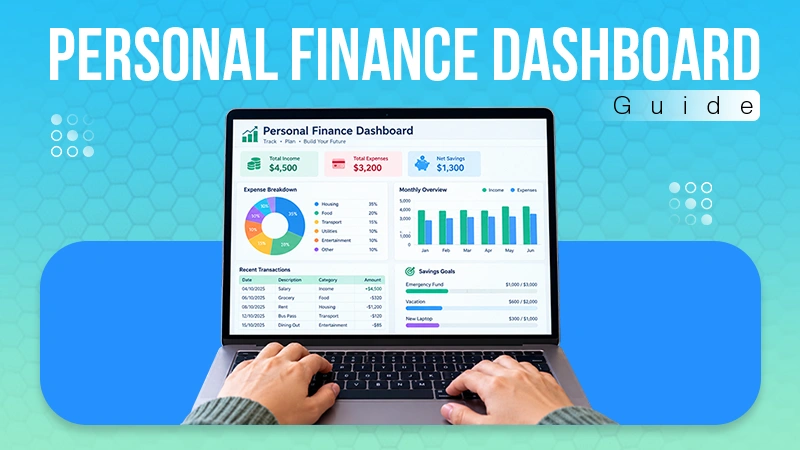
The resource management system helps prevent burnout by the help of automation task distribution. In this, managers use real-time workload visibility to enforce reasonable work hours and also see whether employees are getting the required amount of rest.
10 Best Resource Management Software: Comparison, Features and Differences
POST BY
PUBLISHED
July 24, 2026
Resource management software is a digital tool that helps in planning, scheduling time, workers, and materials across the project. It helps manager in keeping an eye on the budget and also the availability of workers to prevent work delays and overworking as well.
So if you are also planning to revise your business operations and plan to introduce a new resource planning software, in this article we have discussed the 10 options that are best in the market.
Table of Contents:
What is Resource Management Software and why is it Important?
Resource management software is a modern-day tool that helps businesses assign and track employees, equipment, and budget for the whole project by planning and scheduling everything from materials and employees to time and date to the project they are assigned to.
It basically shows what your staff is doing at the moment and how much work they already have to do or is pending.
It also helps in keeping track of payable and non-payable tasks, shows a live view of which staff are available and which are already occupied, which ensures employees are productive and also helps in business analytics and budget tracking too.
Why is Resource Management Software Important?
Resource management software is important for several reasons, as a single dashboard can assist you in planning and tracking the employees’ tasks and resources utilized as aligned to the business strategy.
Some more reasons why resource management software is important are:
- It shows how much work is assigned to every worker working on that project. This helps the company share the load equally among all workers involved in the project, helping people avoid getting very tired and preventing the team’s collective burnout.
- It aligns your team together on a similar platform to coordinate better and assist in taking exact steps at the right time, which helps in the completion of your project as soon as possible.
- Resource management tools also help in keeping track of work and upcoming tasks and ensure the right people are ready or not. This helps the team finish the task on time.
- This tool also helps in understanding the size of your project. Suppose your next project is about to begin in a month. It can tell you beforehand whether the team you used in your last project can handle it or not.
What are the Top 5 Best Resource Management Software?
If we talk about resource management software, we will surely want to have the best one for our project. So here is the list of the top 5 best resource management software.
1. Monday.com

Monday.com is a highly capable resource and Field workforce management software that combines high-level strategy and implements it in the field. The key features of this software are visual workload views, color-coded task mapping, and workflow automation.
|
|
|
|
|
|
|
|
2. Resource Guru
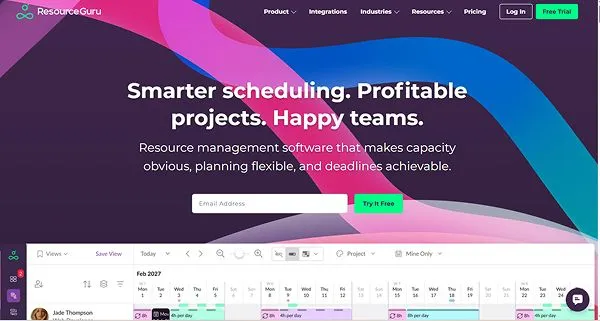
Resource Guru is a cloud-based resource management software that provides a visual and central calendar that helps in managing messy spreadsheets. This software is really helpful if you’re looking for features like drag-and-drop scheduling, leave management, and equipment allocation to avoid burnout.
|
|
|
|
|
|
|
|
3. Kantata
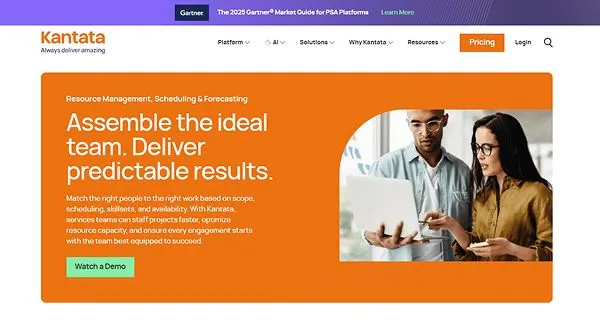
Kantata resource management is a unified resource scheduling, skills tracking, and capacity forecasting. It allows companies to match personnel availability and does the job best using its features like an AI-based expertise engine, real-time margin tracking, and capacity forecasting.
|
|
|
|
|
|
|
|
4. Smartsheet
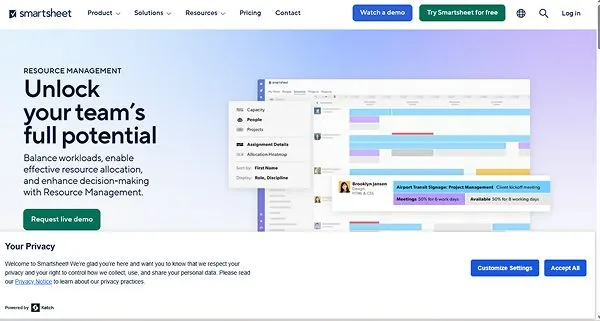
Smartsheet is a high-level project management software designed to help its users connect thoroughly with the team and project schedules and budget in real-time with the help of features like advanced cell linking, workflow automation, and resource tracking via visual timelines.
|
|
|
|
|
|
|
|
5. Teamwork
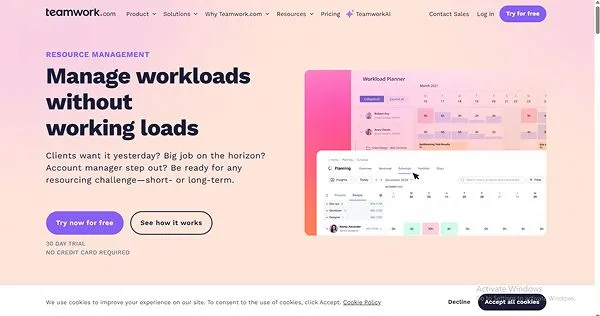
Teamwork is an all-in-one project, resource, and financial management platform built to tie workload planning directly to profitability by using features like the workload and capacity planner and Project financials.
|
|
|
|
|
|
|
|
Also Read: Contractor Management Software: Definition, Features, Benefits, Challenges and Much More!
Additional Resource Management Software that You Should Not Miss
Here are 5 more options that are tried and tested by us and perform really well for any type of business.
| Software | Pros | Cons | Best for |
| Float |
|
|
|
| Wrike |
|
|
|
| ClickUp |
|
|
|
| Celoxis |
|
|
|
| Scoro |
|
|
|
Benefits of Using Resource Management Software
Resource management software maximizes operational efficiency, protecting the well-being of the employee along with helping in recovering losses.
The other benefits of using resource management software are:
- Improved capacity planning: It helps the organization understand long-term workforce limits, allowing them to provide workers in the future without a shortage.
- Reduced Project cost: This feature enables lower wasteful recruitment costs and also maximizes the ROI on the current workforce.
- More Accurate Forecasting: It gives data-driven predictions, giving the managers a clear picture of the timeline of the project completion, which enables them to set a realistic timeline and project budget.
- Real-time Visibility: The best resource management software will give you 360-degree transparency across all the projects, showing exactly who is available and what they are working on.
- Optimal Resource Allocation: This feature helps managers assign tasks to team member who matches the required skills, speciality, and availability
- Prevent Employee Burnout: It balances out workload amongst the team and distributes tasks equally so that no one remains overworked or left exhausted.
- Increased Team Productivity: Organizes the workflow so that employees can get a clear vision of what work they need to do on their respective tasks.
Key Considerations When Choosing a Resource Management Tool
To choose the best resource management software for your company, you’ll first need to identify the needs of your company and choose accordingly. The core features that you should look for while choosing a resource management software are:
1. Usability and Adoption
If a tool is very hard to use, your team will stop updating it. Always look for software with easy drag-and-drop features or simple mobile apps that are easy to use and understand. You should always use free trials and custom demos to test software with real project data.
2. Financial and Tech Integration
The software should have connectivity and should always work with apps you already use, such as your CRM and accounting tools. The software should also be able to track your budget and connect your team’s time to your project money, which will eventually help you save money and get extra profit margins.
3. Capacity Planning Ability
The resource management software that you are choosing should give you a clear picture of what tasks a person has and what their priorities are. The pressure of work should not be overwhelming. Also, knowing what is going on inside a project allows project managers to plan efficiently and accordingly.
4. Scalability
The resource management software that you are using should also grow as your business grows. It should adapt with time to your requirements. If you hire more people or take on bigger projects, the platform should not break and adapt accordingly.
5. Pricing and Total Cost of Ownership (TCO)
The base price of the Resource management software is just a fraction of the money you are going to spend while buying a plan. Therefore, you should also look at the TOC of the software while buying it.
It measures every direct and indirect cost from buying the tool to using it over time. It also ensures long-term affordability and maximizes your Return on Investment (ROI).
Conclusion
The right use of this resource management tool in a firm or a company can really help the company work strategically, use its time and resources in a better way, and give equal opportunities to move forward.
These resource management tools really help businesses by merging employees’ capacity with the help of high-priority project demands.
By aligning resources with project budgets and billing rates, organizations eliminate margin leakage and improve overall profitability.
FAQs
How does this resource software prevent employee burnout?
How to select the best resource management software for your company?
To identify and select the best-suited resource management software for your company, you will have to first
- Check integrations
- Identify your core need
- Evaluate scalability
What can be the cost to the company if it uses poor resource management?
If a company uses poor resource management software or doesn’t use it at all, it can cause the company to lose productivity and heavy burnout among employees. Not just that, if your employees are overworked, it can cause your company to experience delays in projects and strategic stagnation as well.
Sources: