Business analytics software helps collect raw data from multiple sources, such as CRM, ERP, etc., and then convert it into actionable insights.
Best Business Analytics Software Tools with Comparison, Features, Benefits, and Other Key Considerations
POST BY
PUBLISHED
July 8, 2026
Business analytics software helps streamline various aspects of data processing for actionable insights. This tool can handle an overwhelming amount of raw data from various sources with ease. And you don’t even need to initiate data transfer, as it comes with robust built-in integration capabilities.
It handles your unfiltered data with ease and provides actionable wisdom through meaningful processing. Your decision will be optimal, backed by data-powered insights. Learn more about this software in the following sections.
Table of Contents:
What is Business Analytics Software?
Business analytics software helps collect and refine a variety of unprocessed data for ease of analytics and quick insights.
These days, technology has made it easy to record every crucial piece of information effortlessly. Thus, all business operations end up collecting a wealth of customer data. But, without a proper tool to process this raw data and convert it into useful analytics, everything is just a waste of time and resources. That is why business analytics applications become crucial.
Some of the best business analytics tools are Domo, SAS, Qlik, Power BI, Alteryx, Insight Software, etc. All of these are discussed individually further down this tech read! These tools are used along with other business platforms such as CRM software, ERP systems, etc.
10 Best Business Analytics Software Tools
The top 10 business analytics software systems include SAS, Qlik, Tableau, Power BI, Alteryx, Insight Software, Sigma, Sisense, Looker, and ThoughtSpot. All of these are briefly highlighted below for a quick insight!
1. SAS
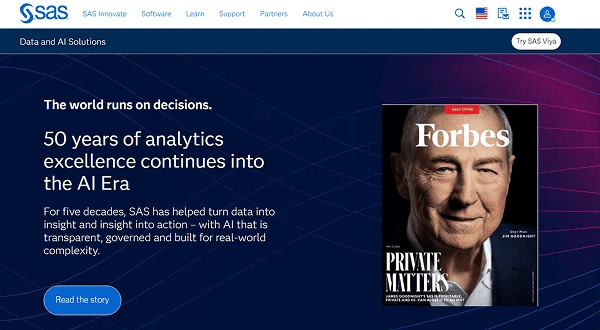
If you are looking for the software for business analytics with the industry’s best intelligence capabilities, you need to explore SAS. From education, health, life science, banking, and the public sector to insurance, it serves all the major components of the economy.
| Pricing |
|
| Unique features |
|
| Best for | Intelligence capabilities |
| Free trial | Available for 14 days |
2. Qlik
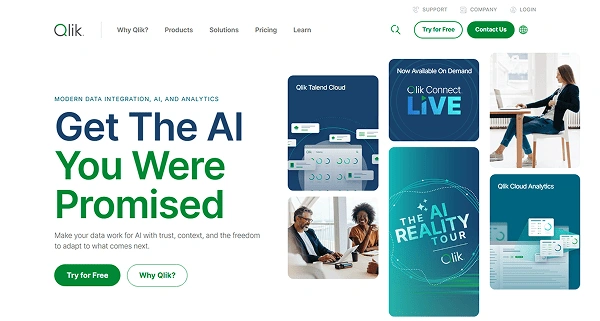
Qlik is best for leveraging the most advanced, cutting-edge AI capabilities. It delivers “The AI You Were Promised!” You can try this software for free. Seamless data integration is also available. So, in case of using some other platform, you can easily transition to this one without any major hassle.
| Pricing | Starting at $300 a month |
| Unique features |
|
| Best for | AI-powered capabilities |
| Free trial | Available for 30 days |
3. Tableau
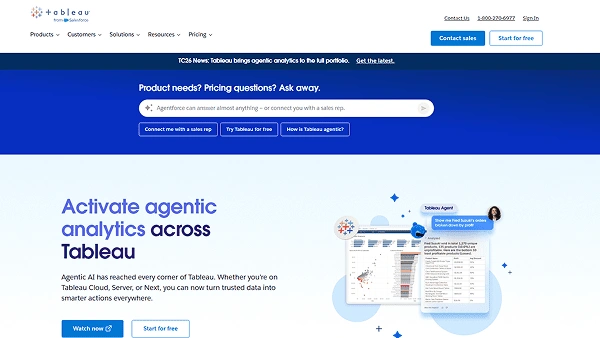
Tableau, from Salesforce, offers an expensive analytics solution to businesses. But it is worth it if you need to handle data from a very large and widely scattered network. The capabilities of this platform are available in three major parts: Tableau Desktop, Tableau Server, and Tableau Online.
| Pricing | Starting at $15 a month |
| Unique features |
|
| Best for | Handling scattered data |
| Free trial | Available for 14 days |
4. Power BI
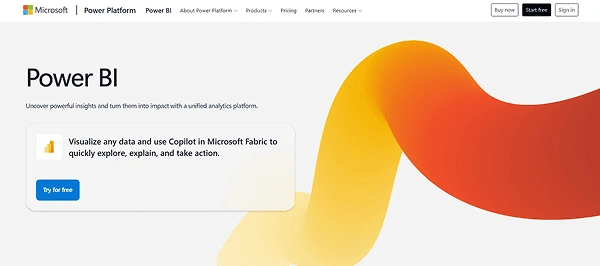
Power BI is a cloud-based solution and thus perfect for you if you don’t have enough in-house resources. And, to boost productivity, this platform provides effective integration with Excel and Office 365. In case of any doubt, you can access the user community at any time.
| Pricing | Starting at $14 per month when paid yearly |
| Unique features |
|
| Best for | Seamless integration with Excel and Office 365 |
| Free trial | Available for 60 days |
5. Alteryx
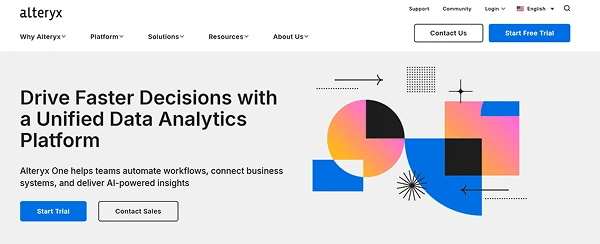
Alteryx offers the capability to take key business decisions faster with unified data analytics. From that, this platform helps automate workflows, provide AI-driven insights, and connect business systems for uninterrupted integration. For details, you can either go through the start trial or contact their sales team.
| Pricing | Starting at $250 a month when billed annually |
| Unique features |
|
| Best for | Unified data analytics |
| Free trial | Available for 30 days |
6. Insight Software
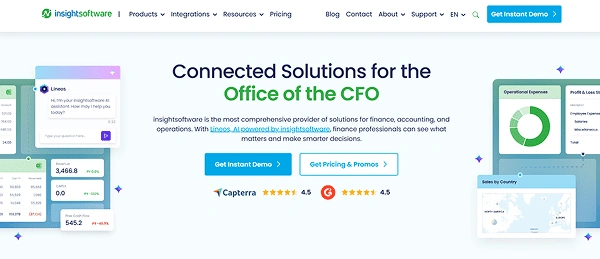
If your business belongs to the financial sector, you will specifically benefit from Insight Software to the maximum. It offers data connectivity, data visualization, data management, and all the other crucial aspects that you need to manage your crucial information effectively. You can have an instant demo anytime!
| Pricing |
|
| Unique features |
|
| Best for | Enterprises in the financial sector |
| Free trial | Only a demo is available |
7. Sigma
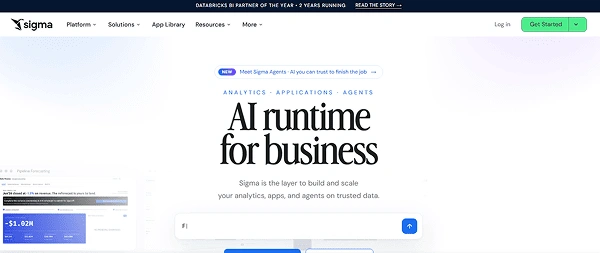
You can trust Sigma with all popular cloud data warehouses, such as Snowflake, Amazon Redshift, Databricks, PostgreSQL, etc. In other words, you don’t need to worry about transferring your data first to one place before analysis. Instead, you can start analyzing wherever your information lies! It works no matter how scattered your network might be!
| Pricing | Starting at $300 a month |
| Unique features |
|
| Best for | Seamless integration with popular cloud data warehouses |
| Free trial | Available for 14 days |
8. Sisense
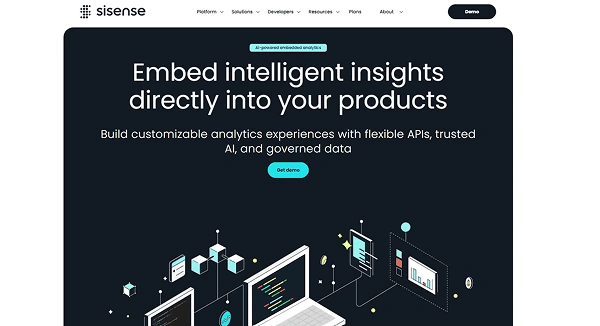
Sisense intelligence allows you to bridge the gap between insights and action. The platform is highly customizable with the availability of various third-party tools. However, the installation part can be a bit complex. This platform, to be precise, empowers the creators of intuitive data products.
Note: Don’t forget to go through all the terms and conditions carefully before you subscribe to Sisense SaaS products.
| Pricing |
|
| Unique features |
|
| Best for | High customizability |
| Free trial | Available for 7 days |
9. Looker
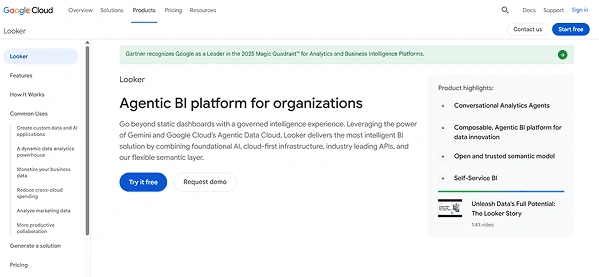
Looker promises to take your data analysis experience from static dashboards to the next level. It makes it possible through the cutting-edge Gemini and Google Cloud’s Agentic Data Cloud. You can try the solution for free or request a demo.
| Pricing |
|
| Unique features |
|
| Best for | Dynamic dashboards |
| Free trial | Available for 14 days |
10. ThoughtSpot
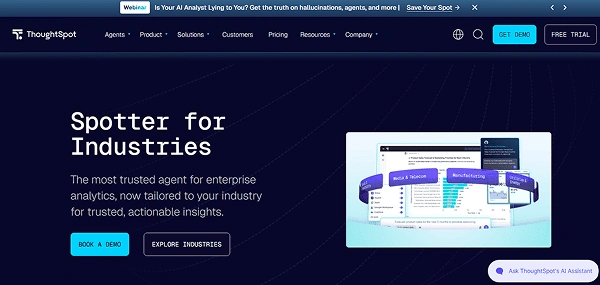
ThoughtSpot might seem complex at face value, but its biggest strength is the ease of use. It features a full-stack set-up with great capabilities to generate intuitive insights. The platform utilizes artificial intelligence to automate things to a great extent.
| Pricing | Starting at $50 per month when billed annually |
| Unique features |
|
| Best for | Intuitive insights |
| Free trial | Available for 30 days |
Insight: If you are looking for great visualization capability, ThoughtSpot might not be the right option for you.
Note: Many users confuse business analytics with business intelligence. That is why we have included the following section here.
Business Analytics Vs Business Intelligence
All business analytics software tools are different from business intelligence tools. The following table highlights key differences based on definition, usage, and application, along with popular tools.
| Basis | Business Intelligence | Business Analytics |
| Definition | It is a practice to process and modify raw data to support current business operations. | It is a practice to process and modify raw data to support current as well as future business decisions. |
| Usage | Only present business operations | Present + future operations |
| Application | Suitable for large-scale firms and enterprises | Fits all |
| Tools | Power BI, SAP, QlikSense | Domo, SAS, Qlik, Alteryx |
Note: All enterprise analytics software tools are integrable. So, a seamless experience can be ensured during complex data handling and processing tasks. You can perform the integration with all types of software, such as CMMS software, maintenance management software, retail scheduling software, etc.
Also Read: Top 10 3D Printing Software Programs with Key Features, Capabilities, Comparisons, and More!
Why You Need Business Analytics Software in 2026
The most common benefits of using business analytics software are cost savings, better customer experience, competitive intelligence, risk management, enhanced productivity, and increased data literacy.
- Cost savings: Businesses rely on good decision-making, which completely depends on insightful analytics. So, this way, using the best business analytics tools helps prevent inefficient decisions, ultimately saving limited resources.
- Better customer experience: In client-oriented industries, such as call centers or service sectors, the use of this software helps understand customer behavior better!
- Competitive intelligence: All predictive data metrics help you stay highly up-to-date with the most likely market trends. So, you can prepare in advance.
Be proactive: It is better to prepare for something that is possible than to hope for favorable outcomes!
- Risk management: Algorithms that foster predictability eliminate the scope for uncertainty to a great extent. That makes it considerably easier to reduce the risk factor.
- Enhanced productivity: Now, the management doesn’t have to spend too much time processing raw data directly from various sources. The software automates much of the process and saves time.
Do you know?
Business analytics software is one of the best productivity software tools.
- Increased data literacy: The staff who frequently use analytics end up honing their data analysis skills. That also leads to tremendous improvement in their data literacy.
4 Data Types in Business Analytics Software
While talking about business analytics software, the descriptive, diagnostic, predictive, and prescriptive analytics are frequently mentioned.
| Types of Business Analytics | Elaborations |
| Descriptive analytics | Deals with what has happened, i.e., analyzing performance over time |
| Diagnostic analytics | Deals with why something took place in the first place, i.e., identifying correlations or causal links between two or more factors |
| Predictive analytics | Deals with what might or will happen |
| Prescriptive analytics | Deals with what you should do for the best results, i.e., how much inventory you need to buy next month |
So, business analytics softwares incorporates all these different types of analytics to provide the best user experience. That is a must for a comprehensive analysis.
Also Read: 10 Best Scheduling Software Every Business Must Have in 2025
How to Choose the Right Business Analytics Software?
The major aspects you should explore while choosing software for business analytics are your challenges, software variety, essential features, security, affordability, and complexity.
- Your challenges: Will it solve all the problems your business is facing on the data analytics front? Don’t just subscribe to any software only because it looks high-tech or super advanced. Take trials and analyze for better decisions.
- Software variety: Don’t get confused by the variety in analytics-related capabilities. There are descriptive, diagnostic, prescriptive, and predictive tools. Have clear objectives and make the right choice.
- Essential features: Always ensure that your business analytics solution offers seamless data integration and connectivity with easy scalability. Better support must also be available there for smooth learning!
- Security: Check how access works on a platform before purchase. Go through data lineage tracking and audit logs. Also, ensure that the tool strictly complies with all the security protocols in the industry.
- Affordability: See that the pricing model is under your budget.
- Complexity: The platform you choose should be easy to use and not too complex in its build. Otherwise, it will impose a financial burden on the company’s resources to intensively train the staff. Workers might face a steep learning curve with their ongoing work responsibilities.
Also Read: Everything You Need to Know About Infor Syteline ERP
Conclusion
The business analytics software can change your market success rates for the best in no time. This tool helps you leverage key insights from raw data faster! And, on top of that, with the recent AI revolution, most of these platforms have become even smarter. You can now enjoy capabilities like self-service analytics, conversational data experience, better predictability, and automation.
FAQs
What does business analytics software do?
What are the top 10 analytics tools?
SAS, Qlik, Tableau, Power BI, Alteryx, Insight Software, Sigma, Sisense, Looker, and ThoughtSpot are the top 10 analytics tools.
What are the four types of business analytics?
Descriptive, diagnostic, prescriptive, and predictive are the four types of analytics.
Sources:
Solutions review: The 28 Best Business Analytics Software Tools for 2026