Ans: CMMS software stands for Computerized Maintenance Management System. It helps companies manage maintenance work in one place. You can track equipment, schedule servicing, create work orders, and manage spare parts. It negates the requirement of using spreadsheets or paper logs and allows teams to keep maintenance organized and faster.
12 Best CMMS Software In 2026: Manage, Maintain, And Modernize Your Assets
POST BY
PUBLISHED
June 11, 2026
Does your business still rely on spreadsheets, paperwork, and WhatsApp messages to handle maintenance tasks?
Though it may work, it is not a smart move at all.
You would be surrounded by confusion, missed machine service schedules, and costly equipment failure, and these problems will snowball as your business grows.
This is where CMMS software enters the picture. It harmonizes the interplay between managing the machines, connecting stakeholders, and reducing downtimes.
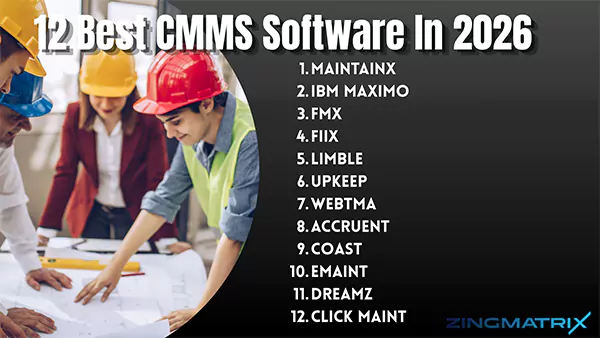
If you are making up your mind to shift to CMMS, here is a complete guide about the top 12 CMMS software, their pros and cons, the benefits of such programs, and contemporary trends in the field.
Table of Contents:
What is CMMS Software?
A CMMS stands for a computerized maintenance management system, which is a type of utility software that monitors and manages maintenance tasks by integrating the stakeholders in the process.
The most fundamental objective of CMMS is to track, schedule, and report maintenance activities. It is a type of large database having all the logs and records of the machinery and assets on the plant floor. This software works similarly to the best asset management software but focuses more on maintenance functions. It helps in monitoring, inspecting management, tracking performance through KPI, and documenting the activities.
There are many options available these days. Let’s learn about the 12 best computerized maintenance management systems in detail.
What are the Top 12 CMMS Software Programs?
With most of the technical enterprises, irrespective of their size, planning to shift to a dependable CMMS, they come across multiple options available in their region and ultimately end up making the wrong decision.
So, here are the top 12 CMMS software examples with explicit features and pros and cons to help you out in selecting the right match for your business.
| S. No. | CMMS | Best for | Capterra Rating |
| 1 | MaintainX | Mobile-first frontline teams | 4.8/5 |
| 2 | IBM Maximo | Enterprise-level asset management | 4.2/5 |
| 3 | FMX | Facility management and scheduling | 4.7/5 |
| 4 | Fiix | AI-driven predictive maintenance | 4.5/5 |
| 5 | Limble | Quick implementation | 4.8/5 |
| 6 | Upkeep | Highly customizable options | 4.6/5 |
| 7 | WebTMA | Education and health facilities | 4.8/5 |
| 8 | Accruent | Physical asset optimisation | 4.6/5 |
| 9 | Coast | Small and medium teams | 4.7/5 |
| 10 | eMaint | Customisable workflows | 4.4/5 |
| 11 | Dreamz | simplified ERP and CMMS integration | 5/5 |
| 12 | Click Maint | Budget-friendly | 4.8/5 |
1: MaintianX
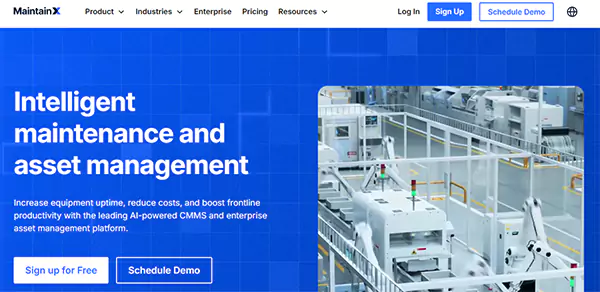
MaintainX was established in 2008 and has catered to 14k+ customers. Although its CMMS services have been acknowledged as one of the best in the market, it is also known for its other services, such as facility maintenance, asset management, etc.
Features
- Digital checklist
- Inventory and parts tracking
- In-app messaging
- AI-integrated features
| Pros | Cons |
| Quick set and rollout | Complex asset hierarchy |
| Strong inspection feature | Weak predictive analysis compared to its counterparts. |
| Simple mobile interface |
- Essential: $20
- Premium: $65
2: IBM Maximo
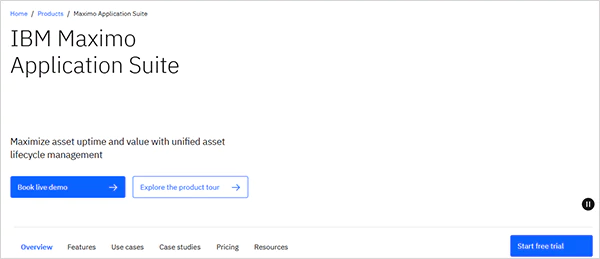
IBM Maximo has been a top priority of many enterprises across the world for its application in diverse fields and easy integration with subsidiary software. It has been utilized by some of the world’s top firms, like the London Transport Organization and the Royal Melbourne Hospital.
Features
- Visual inspection
- Machine health and prediction feature
- Monitoring interface connecting IoT, SCADA networks, and PLC plants
| Pros | Cons |
| ERP and procurement integration | Extreme complexity reduces understandability |
| Electronic signature trails | High setup time |
| Enhanced machine hierarchy scaling |
Pricing: Get Quote
3: FMX
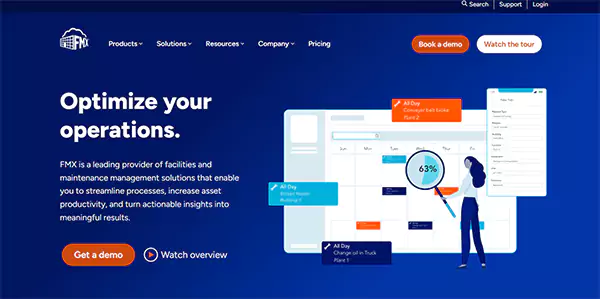
FMX has been a dependable option for K-12 and higher education institutions, governmental agencies, property management, hospitality, etc. Its 2-hour support response time and 60-day implementation process are also significant features to consider. The interactive dashboards with list and map views simplify accessing and gaining insights.
Features
- IT Ticket with asset integration
- Asset mapping
- Fleet management
| Pros | Cons |
| Calendar integrated UI | Limited reporting features |
| Great customer support | Multiple filters only with extra charges |
| Simplified data import | |
| comprehensive integrations with intuitive data exhibition |
Pricing: Get Quote
4: Fiix
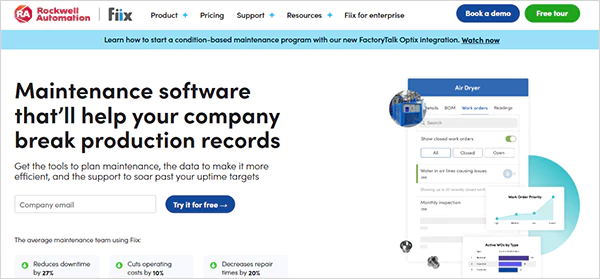
Fiix has been claiming a 99.5% software uptime guarantee and a 99% tech support customer satisfaction rate, which makes it worth mentioning in the list. You can utilize its free trial and understand if it matches your set parameters or not.
Features
- AI suit for asset forecasting
- Integration with a heavy ERP like SAP
- Multistep maintenance scheduling
| Pros | Cons |
| Enhanced reporting system | No chat control tools for assistance |
| Custom dashboard | |
| Advanced compliance and auditing features | |
| Mobile app with offline capabilities |
- Basic: $45
- Professional: $75
5: Limble
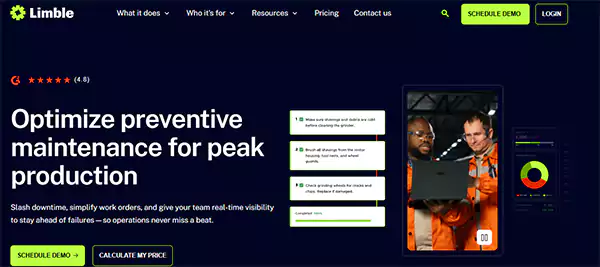
Limble is known for its intuitive mobile app and comprehensive feature-studded plans. With McDonald’s, Unilever, and BARNARD like Clients, it can be considered a good option for managing your work orders.
Features
- Advanced work management with labour hours per technician
- Effective preventive maintenance templating
- Comprehensive assist summaries
| Pros | Cons |
| Customizable dashboard | Weak predictive analytics |
| Great customer support | |
| QR code scanning for logging |
Pricing: Get Quote
6: Upkeep
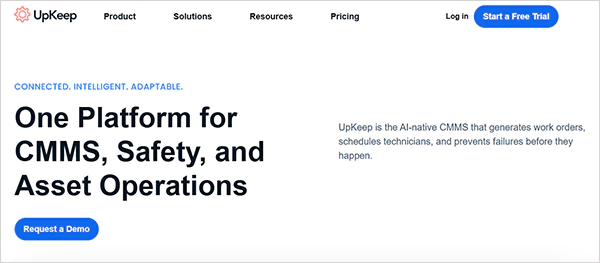
Upkeep has been a dependable CMMS for a long time and has been trusted by 4000+ businesses. The CMMS, LMS, EHS, and Fleet Management Service make it an all-encompassing and integrated software package.
Features
- Great mobile app experience
- Generative AI assistance named NOVA
- Integration with telematics systems like Samsara
- Easy cross-site visibility
| Pros | Cons |
| Comprehensive user interface | Per-user pricing |
| IoT plug-and-play ecosystem for easy integration | |
| External request portal for un-onboarded people. |
- Essential: $24
- Premium: $55
7: WebTMA
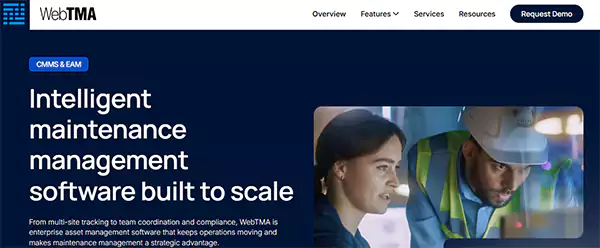
WebTMA was founded in 1988 and has been considered a viable option in multiple sectors like education, healthcare, governmental operations, energy, food, and infrastructure. Till now, it has served more than 3000 organizations and has been providing service through web and mobile devices (online/offline modes) for enhanced user convenience.
Features
- Advanced location tracking
- 50+ built-in tools
- ERP integration
| Pros | Cons |
| Integration with Autodesk BIM and ESRI GIS | Multiple features stuck new users |
| Highly customisable dashboard | Overfeatured for small teams |
| Features-based custom pricing |
Pricing: Get Quote
8: Accruent
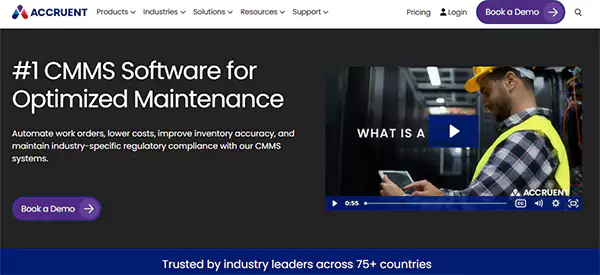
Accrunet is the next best CMMS option available, providing a range of asset management solutions such as EMS, real estate management software, and specialized retail CMMS dedicated to retail demands. Trusted by top organizations like The Network Times, Duke University, and L’Oréal, it has gathered immense rapport among the corporate giants for its notable features.
Features
- Strict compliance and electronic signature
- Advance MRO features
- Comprehensive Accruent Ecosystem integration
| Pros | Cons |
| Multi-site scaling | Costly for small enterprises |
| Configurable routing | Required experience from the team to set up and handle |
| Custom plans |
- Professional: $110
- Professional + Mobile: $168
9: Coast
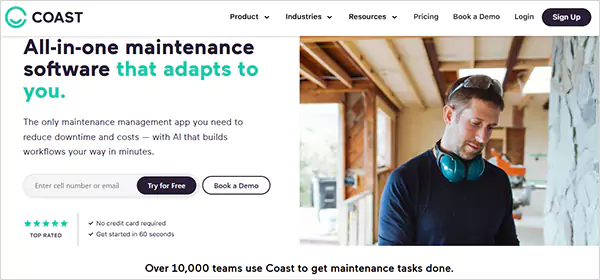
Coast CMMS started in 2018 as a one-stop solution for work orders, asset management, part inventory, and preventive maintenance with detailed maintenance reports. Its QR code-based asset information makes the workflow smoother and more prompt.
Features
- Card-based workflow
- SMS messaging
- QR code generation for machines
| Pros | Cons |
| Feature-studded free plan | Provide basic data analytics features |
| Highly customizable options and templates | No deep ERP integrations |
| Quick setup | |
| Free trials |
- Starter: $25
- Pro: $65
10: eMaint
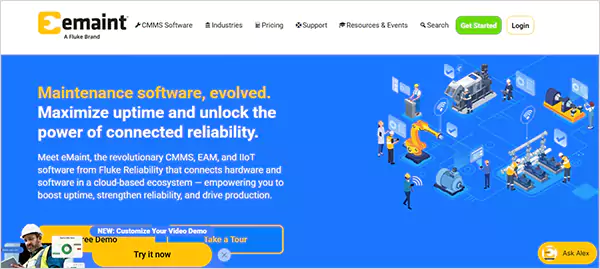
eMaint has been providing services in 116 counties with up-to-the-mark asset management and work order services. Some of the top companies like Jack Daniel and Gee Whiz are among their clients, which further makes them a dependable option.
Features
- Detailed audit trails
- Multilingual interfaces
- Custom reporting
| Pros | Cons |
| Support comprehensive compliance | Complex customer support |
| Predictive parts forecaster tool | High initial cost |
| A feature-studded and understandable dashboard and UI |
- Team: $69
- Professional: $85
11: DreamZ CMMS
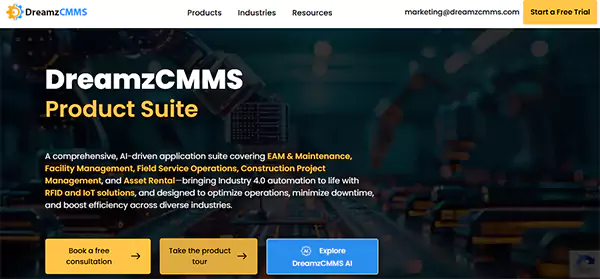
Dreamz CMMS has been recognized for its enhanced integration, such as with ERPs, accounting systems, RFID, IoT sensors, and e-commerce interfaces. It has a significant exposure handling deals in diverse industries, ranging from manufacturing, sales, and asset rentals.
Features
- Work Order Automation
- RFID with Barcode Integration
- IoT and AI predictive maintenance
| Pros | Cons |
| Affordable initial cost | Complex setup process |
| Consolidated tools such as CMMS, field management service, and asset management service. | Time zone issues for global access |
| Responsive support | |
| Integration with SAP, Microsoft Dynamics, PhonePe, etc. |
Pricing: Get Quote
12: Click Maint
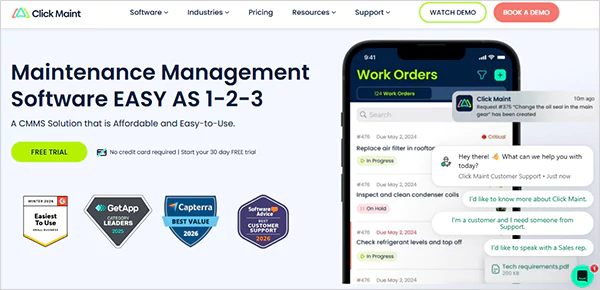
Click Maint has been providing services in around 20 countries and has been acknowledged for quick and simplified data import, API, and SSO integrations. Being cloud-based and useful in multiple fields, such as manufacturing, hospitality, and education, makes it an option worth considering. Take its 1-month free trial to learn its capabilities.
Features
- Asset location and tracking
- QR code integration
- Maintenance KPI calculator
| Pros | Cons |
| Simple and uncluttered web UX/UI | Lacks deep IoT and AI predictability |
| Quick setup | Basic dashboard, lacking comprehensive insights |
| Good price for small and mid-sized firms (i.e., $35) |
- Professional: $35
Suggested Read: 15 Leading Compliance Management Software for Efficient Regulatory Supervision and Audit Preparation
What are the Benefits of CMMS?
A CMMS software works in the form of an ecosystem that not only enhances the in-house integration and communication but also simplifies machine management. Out of multiple advantages, here are the most prominent merits of using computerized maintenance management systems.
- Enhance Efficiency: It not only expedites the maintenance and oversight procedures but also levels up the employee productivity by streamlining workflows and speeding up the responses.
- Improved Compliance: This software ensures proper compliance through audits, trials, and safety logs.
- Data-backed Decisions: The reports and performance metrics provide a wealth of data that helps in making informed decisions.
- Simplify Prioritization: It harmonizes creating, tracking, and completing the work orders, which alters the prioritization of the task based on urgency, to make the worst plant situations get solved first.
- Preventive and Predictive Maintenance: The preventive maintenance schedules predict the expected faults and breakdowns, negate last-minute rush, and cut emergency costs.
- Economical Option: It tracks and mentions the accurate faults, cuts downtime, provides valuable alerts, and automatically assigns tasks to the technicians, which ultimately saves time and effort.
Contemporary trends have been underway that can revolutionize the usage and functionality of this software. All these developments are succinctly explained in the section below.
5 Latest Trends in CMMS
The CMMS software is undergoing a gradual but favorable transition to become a one-stop solution for all enterprises’ needs, be it machine management, EAM, fleet management, etc.
Now, let’s take a look at the current progress in the field of computerized maintenance management systems.
- Mobile Integrations: Operating CMMS features over mobile, even in offline modes, to assist in conveniently handling the assets in low-network areas.
- Cloud-Based Services: Many CMMS companies are turning to cloud-based interfaces by transforming to “software as a service” to provide service anytime, anywhere.
- EAM Integrations: CMMS and EAM share the same database but serve different purposes. But the trends show that many CMMS are integrating with EAM to provide all-encompassing services.
- Predictive Maintenance: The IIoT sensors have been highly influential in detecting and predicting machine health.
- AI and Analytics: AI and analytics have started getting integrated in CMMS software, but most service providers are using its basic version. The time-advanced version of these technologies, when incorporated, will simplify the decision-making and cut the processing time.
Like other industrial programs, such as top facility management software, a CMMS also accumulates the ground tasks and emergencies. With such developments in line, its efficiency is expected to rise manyfold.
How to Choose the Best CMMS?
A number of CMMS options are available, but choosing the right one is necessary to reap the expected outcomes. For this, here is a defined and crisp process of choosing the best CMMS out of the ample options available on the internet.
- Define goals and KPI expectations from the CMMS as per your team size, monthly contracts, and deals.
- Get a list of the options available that provide the services in your region.
- Match their features with your demands by accessing their plans and respective features.
- Get a quote for their package that suits your expectations.
- Buy your plan and run the setup and integration process ASAP.
Conclusion
CMMS software has become the need of the hour to handle machine maintenance and reduce the overall cost. Incorporating it can be a smart move to go with, as it not only serves the deals but also creates new opportunities.
However, we advise you to connect to the service provider before paying for the plan. Always remember, well-maintained machines and assets derive more profits and a better customer experience.
Next Read: Top 10 Compliance Audit Software: Updated Picks of 2026
FAQs
Q1: What is CMMS software, and what does it actually do?
Q2: Is CMMS software only useful for large companies?
Ans: No, even small businesses use CMMS software today. If a company has machines, vehicles, tools, or equipment that need regular maintenance, a CMMS can definitely help. Small businesses often use it to avoid expensive repairs, reduce machine failures, and keep track of maintenance without hiring a big and costly team.
Q3: How does CMMS software help reduce equipment downtime?
Ans: CMMS software sends reminders for preventive maintenance before a machine fails. It also stores service history, so technicians can quickly identify recurring problems.
Q4: What features should I look for in a good CMMS software?
Ans: You should look for features like work order management, preventive maintenance scheduling, asset tracking, inventory management, mobile access, and reporting dashboards. A simple interface is also important because maintenance teams need easy-to-use software.
Q5: Can CMMS software be used on mobile phones?
Ans: Yes, most modern CMMS platforms have a dedicated mobile app available on app stores. This makes field work faster and reduces paperwork for maintenance teams.
Sources: