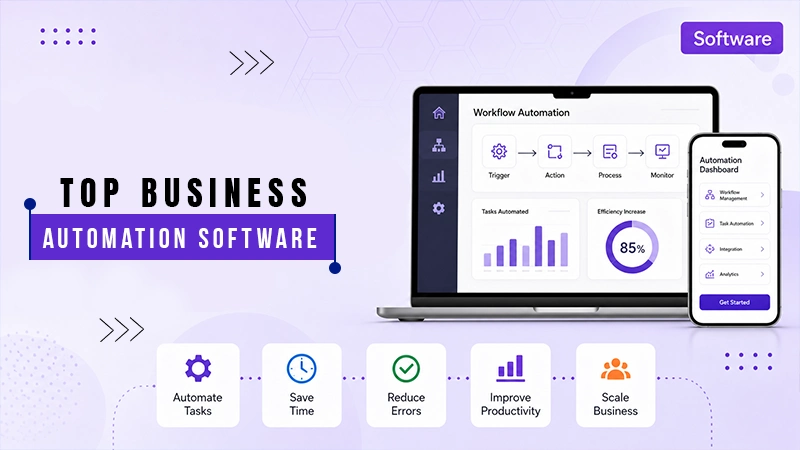
RPA software uses bots to automate repetitive manual tasks across systems, portals, files, and applications. It reduces the manual effort needed to copy data, enter fields, download files, and update records.
RPA Software: Features, Benefits and 10 Best Tools
POST BY
PUBLISHED
September 28, 2026
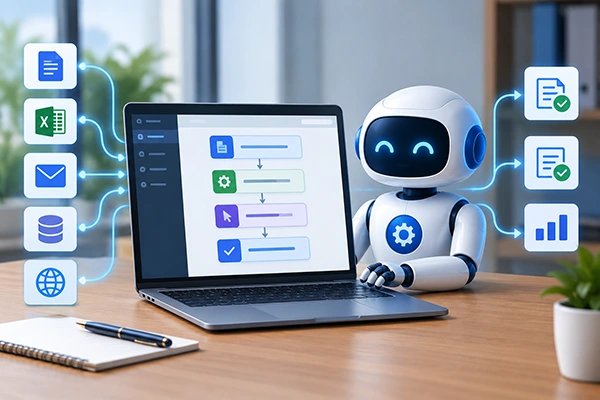
RPA software has become hugely popular among businesses due to its ease of implementation. It is designed to automate rule-based work across systems while giving your team control over logs, schedules, credentials, and governance.
Manual repetitive work increases the risk of errors and slows the team down. Here, the right RPA tools can help you by mimicking human actions and automating manual tasks.
Follow this article to learn about the top 10 RPA tools for businesses. Also, discover the benefits and features of this software.
Table of Contents:
What is RPA Software?
RPA, or robotic process automation tools are designed to automate tasks in businesses. They help in building and managing the “robots” that mimic human actions in a digital system. These tools help businesses eliminate time-consuming manual tasks with an application user interface (UI), freeing up employees to focus on other significant processes.
The key features of RPA software include:
- UI automation: It interacts with many systems to copy and paste data, move files, click, and type.
- Scalability: Supports scaling up and down across functions, departments, and processes by reusing and reassigning the automation.
- Rule-based processing: Follows the predefined rules in the process to execute tasks.
- Real-time analytics: Lets managers track bot performance and monitor return on investment (ROI).
- Programming options: Platforms offer low-code or no-code options so that users can build workflows without heavy programming.
- Workflow orchestration: Includes robotic process automation for the design and orchestration of workflows with multiple steps and systems.
Also Read: 10 Best Onboarding Software to Simplify New Hire Management
Top 10 RPA Software for Business Automation
There are various robotic process automation software vendors in the market with distinct features. Some of the top ones include WorkFusion, Zoho RPA, UiPath, SS&C Blue Prism and Microsoft Power Automate.
Let’s unlock the best RPA tools list with their pricing structure, pros and cons so you can find the best one as per your organisation’s needs:
1. UiPath
UiPath offers cloud-based robots for distinct industries for automation of repetitive tasks. It is one of the best-suited RPA vendors that want visual bot development, orchestration, attended automation, unattended automation, process delivery, document processing, and AI-supported workflow in a single platform. With this software, developers and business users get different ways to design automation. Orchestrator also manages queues, assets, schedules, robots, credentials, and execution monitoring.
- Best for: Enterprises that need automation programs with strong orchestration.
- Pricing structure: Starts at $25 per month. A free community edition is available.
Pros
- Easy-to-learn and flexible platform with AI-supported automation.
- Academy resources with a large community.
- Has reusable automation and workflow creation capabilities.
- Connects well with big enterprise apps like SAP, Oracle, and modern AI tools.
Cons
- Licenses and enterprise packages get expensive compared to smaller tools.
- Advanced setups and complex automations need real technical skills.
- Its enterprise rollout needs dedicated ownership, governance, and standards.
2. Zoho RPA
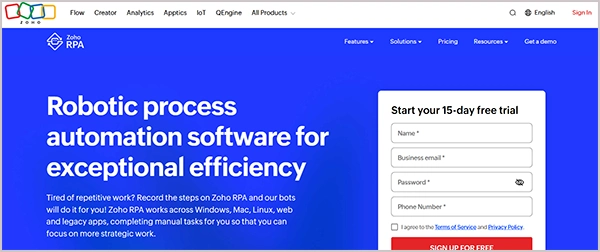
Zoho RPA is one of the preferred robotic process automation vendors for businesses that are already using Zoho products. It’s best for teams who want low-code automation on the web and Windows applications.
The tool helps with UI actions like opening applications, clicking on buttons and menus, entering text, sending keyboard shortcuts, and automating website interactions. Overall, it is the best RPA software for small businesses to automate repetitive tasks and document extraction.
- Best for: Small businesses and Zoho-led teams.
- Pricing structure: Starts at $49/month. A free plan is available for 15 days.
Pros
- Transparent and modular pricing structure with a trial of premium features.
- Low-code with a drag-and-drop builder and UI recorder that make it simple to set up without deep technical knowledge.
- Features built-in document processing that helps in invoice and form workflows.
Cons
- Teams that are not using the Zoho ecosystem may need to check integrations.
- The screen-based automation can break if a target website layout changes.
3. Tungsten Automation
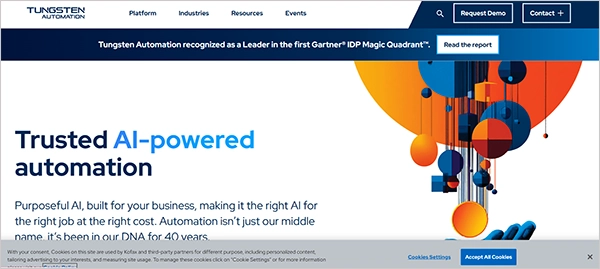
Tungsten Automation that is also popular as Kofax RPA, is recommended for teams that need enterprise automation for web, data, desktop, and heavy workflow processes. It facilitates workflow connections across various systems without heavy coding and automates multiple tasks.
This is a highly useful tool for employees to collect, move, validate, and update data across applications and portals. It also connects with Tungsten’s wider automation portfolio, which helps in document processing, workflow orchestration, and process automation.
- Best for: Data-intensive enterprise automation.
- Pricing structure: Quote-based pricing.
Pros
- Offers easy drag-and-drop automation.
- Facilitates adaptability and security in the process.
- With Tungsten’s automation environment, it supports larger RPA programs.
Cons
- Lacks advanced AI capabilities and modern web automation tools.
- Users report concerns about the coding intensity.
4. SS&C Blue Prism
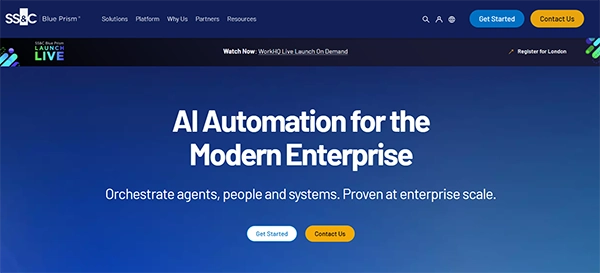
SS&C Blue Prism is an RPA bot software well suited for large enterprises. It is useful in governed RPA, security, orchestration, digital workforce management, and scale. The Blue Prism Cloud supports a SaaS deployment route, and Blue Prism Enterprise offers intelligent automation for large enterprises.
It has WorkHQ that brings digital workers, systems, APIs, applications, AI, and agents into the shared automation environment. Overall, it is a great choice for automating sectors like insurance, banking, healthcare, and the public sector.
- Best for: Digital workforce management and governed enterprise RPA.
- Pricing structure: Quote-based pricing. A free trial is available for 30 days.
Pros
- Can handle high-volume work queues and complex enterprise-grade process automations.
- Offers top-tier data security trusted heavily by banks and insurance firms.
- Facilitates clear process flow for teams that want a governed operating model.
Cons
- Limited application modeling and image recognition.
- Not suited for small teams due to high licensing and setup costs.
5. WorkFusion
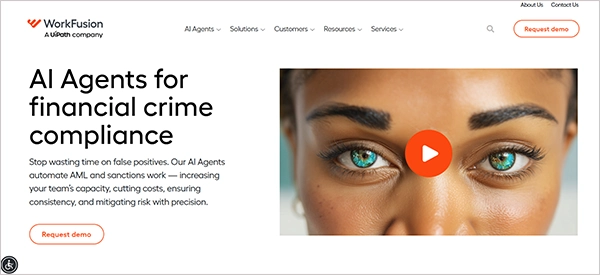
WorkFusion is an intelligent automation platform that incorporates robotic process automation (RPA). Beyond the general RPA product, it is an AI agent platform for financial crime compliance, focusing on banking and financial services workflows. It is a useful tool for sanctions screening, payment screening, adverse media monitoring, KYC, and customer lifecycle review.
- Best for: AI digital workers and financial crime compliance.
- Pricing structure: Quote-based pricing structure.
Pros
- Platform focuses on compliance work rather than generic task capture.
- Through regulated processes, it supports review, consistency, and escalation.
- Automates training, functions, and support.
Cons
- Functionality and integration limits.
- Requires significant infrastructure resources, making initial setup difficult for smaller teams.
6. Automation Anywhere
Automation Anywhere is a large enterprise automation platform that supports cloud RPA, process delivery, agentic process automation, document automation, and centralized automation management. It is one of the best robotic process automation companies for automating cross-system work, adding AI and governance into the program. This is well-suited for HR, IT, operations, finance, procurement, and customer services due to supporting reusable automation across departments.
- Best for: Agentic process automation and cloud RPA
- Pricing structure: Quote-based pricing structure. A community edition free trial is available.
Pros
- Features a drag-and-drop interface to create basic bots quickly.
- Generative AI and intelligent document automation to process forms and invoices.
- Cloud-based deployment makes it easy to scale the bot operations.
Cons
- While basic bots are easy, complex tasks like error handling and advanced automation need technical knowledge.
- Users sometimes report slow performance and flaky browser extensions.
7. Collatio by Scry AI
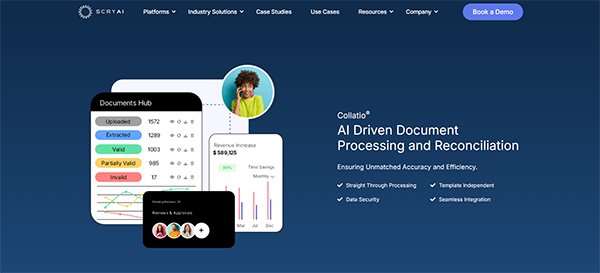
Collatio by Scry AI offers custom RPA solutions depending on data checks, documents, approvals, and enterprise system movement. The software is a great fit for lending, compliance, finance, AP, KYC, and shared services teams. It is useful for structural error handling, scheduling, email, FTP, file systems, and desktop automation.
- Best for: Enterprise workflow control and document-heavy RPA.
- Pricing structure: Quote-based pricing structure.
Pros
- Supports a central control studio for both attended and unattended bots.
- Great for compliance, finance, AP, KYC, and shared processes.
- Supports human reviews for exceptions to prevent pushing uncertain data into systems.
Cons
- Not suited for teams that need simple web app automation.
- Setting up customized validation rules demands careful upfront planning and data modeling.
8. Microsoft Power Automate
Microsoft Power Automate is one of the best RPA software options for teams that work on Microsoft 365, Teams, SharePoint, Excel, Dataverse, Dynamics, and Azure-connected environments. The platform supports cloud flows, attended RPA, desktop flows, process mining, task mining, AL builders, and connectors. Desktop flows make RPA relevant, as it allows automation of interface actions across websites and apps.
- Best for: Businesses using the Microsoft ecosystem.
- Pricing structure: Starts at $15 per user per month for the Premium tier. A free 90-day trial is also available.
Pros
- Easy to use with a visual drag-and-drop builder for basic tasks.
- Allows teams to understand real process behaviour and help identify the automation capabilities.
- Supports data cleaning, approval, dynamic processes, and SharePoint workflows.
Cons
- Users report slow performance when flow includes conditions and actions.
- Designed for personal productivity. To automate end-to-end processes, you may need other products.
9. SAP Build
SAP Build is one of the preferred RPA software companies that fits SAP-led enterprises. With this platform, you can automate specific business needs by designing custom workflows and task automations. It uses Joule with natural language to generate processes, forms, decisions, and scripts. However, it is not the best option for non-SAP teams.
- Best for: SAP-led organisations.
- Pricing structure: Starts at around $1.82 per user per month. A 30-day free trial is available.
Pros
- Inside SAP, this platform helps with finance, HR, operations, and procurement.
- Low-code development and prebuilt templates and workflows.
Cons
- Not suited for non-SAP companies.
10. Robot Framework
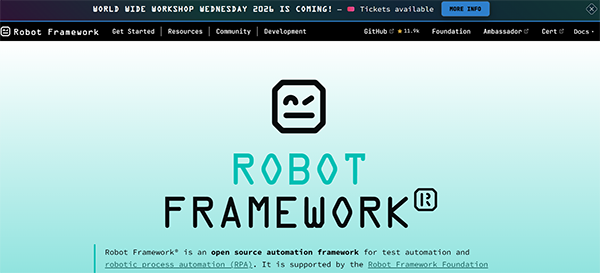
Robot Framework is the RPA tool for robotic process automation. It fits well with QA engineers, technical teams, and software robot developers. This platform offers a flexible automation base without commercial platform lock-in. It also features an open-source library for RPA use, which makes it useful for file handling, browser automation, API tasks, and custom scripting.
- Best for: Technical teams needing open-source RPA.
- Pricing structure: Free to use.
Pros
- No licensing fees, which makes the platform great for keeping budget low.
- Supports documentation and online editing.
Cons
- Too technical for business users.
Also Read: 10 Best Quoting Software a Sales Team Must Have in 2026
What are the Benefits of RPA Software?
RPA software offers a wide range of benefits to businesses as they increase the speed and efficiency, reduces human error, and improves productivity. Here are some of the benefits of using this tool:
- Speed and efficiency: Robotic process automation software works well compared to its human counterparts and is more accurate. It is time-efficient, as tasks that would have taken hours to complete by humans are completed in minutes by bots.
- Reduced human error: Errors are possible in repetitive manual work. Popular RPA tools perform with 100% accuracy as per the predefined rules, providing reliable and predictable results.
- Decreased costs: As it supports productivity, it helps lower costs by reducing the need to hire new people. Further, the best RPA tools can work with legacy systems or on a cloud-based platform. This eliminates the expenditure on new systems or infrastructure.
- Improved customer experience: RPA software vendors offer beneficial technology for improved customer experience. With this, customers get personalized digital services and quicker response times.
- Increased output: Robotic process automation softwares expand the workforce by adding digital workers as colleagues. As a result, this works as productivity software, maximising output.
Next Read: Top 10 Team Collaboration Software You can Look for in 2026
Conclusion
The top RPA software enables businesses to create new transformative ways to work. They also empower people to focus on the issues that matter most to a business. The best options like SAP Build, Robot Framework, Collatio by Scry AI, and Tungsten Automation offer you the opportunity to rethink the entire process, ranging from customer to service delivery. It also helps in making better decisions around improvement.
FAQs
What is RPA software?
Is RPA the same as workflow automation?
No. Workflow automation coordinates tasks, approvals, and data movement across a process. On the other hand, RPA automates by mimicking user actions across systems.
What features to look for in an RPA tool?
The best RPA tool should give teams control over creation, execution, monitoring, exceptions, and governance. For enterprise teams, the software should have a visual bot builder, desktop and web automation, workflow orchestration, and document automation.
Can RPA automate legacy systems?
Yes! RPA can automate tasks across legacy systems in cases of unavailability of APIs. In this way, they are helpful for companies that are still dependent on older operations, finance, and compliance systems.
Which RPA tool is in demand?
Some of the most popular RPA tools are Microsoft Power Automate, UiPath, Automation Anywhere, and SS&C Blue Prism.
Sources: