Yes, your pricing data will remain safe and will actually become more secure and accurate. Reputable quote management systems use advanced encryption, role-based access limits, and secure cloud backups to protect your confidential numbers.
10 Best Quoting Software a Sales Team Must Have in 2026
POST BY
PUBLISHED
August 31, 2026
Quoting software, also known as CPQ (configure-price-quote) software, is a tool that automates the process of creating, managing, and sending price estimates and sales proposals to customers.
It basically eliminates manual document building by using centralized catalogs, preset pricing rules, and templates.
The primary purpose of this software is to move away from error-prone, manual processes (such as standalone spreadsheets or word processors) and establish a fast, accurate, and professional end-to-end sales workflow.
Table of Contents:
What is Quoting Software?
Quoting software is a digital tool that computerizes the creation, delivery, and management of business proposals and price estimates. It is important because quotation software is the best tool for eliminating manual errors and ensuring consistency in pricing and product workflow management, ultimately improving the sales cycle.
The main purpose of this software is to create and send quotes to the customer. Also, instead of writing quotes manually, this software creates a professional-looking quote in minutes.
Benefits of Using Quoting Software
Quoting software helps businesses create fast and accurate quote price estimates by removing manual math and using standardized pricing rules. It also helps in removing repetitive copy-paste tasks and streamlining internal sign-offs before client delivery.
1. CRM Integration and Customer History
Integrating quoting tools with customer relationship management platforms syncs customer data automatically. This helps eliminate double data entry for a single customer, which helps overcome mix-ups and confusion and also allows sales representatives to send personalized price quotations.
2. Real-time Tracking and Time Analysis
By using this feature, the quoting software doesn’t wait for the client to respond after reading the personalized PDF and asks each question one by one regarding their doubts and what they liked in the plan.
Instead, by using the feature of Real-time tracking and time analysis. The software knows which page the client is on and how much time he spent on that page. Helping the sales representative talk to the customer accordingly.
3. Digital Signature and Seamless Experience
When you connect with a company to do some business and you don’t have anyone to handle your paperwork for you. The quoting software comes to your rescue.
Quoting software allows clients to review and e-sign proposals from any device; this reduces the stress of paperwork and also saves time on printing, scanning, sending physical documents, etc.
4. Automated Pricing Accuracy and Consistency
The quoting tool eliminates human error by using preset pricing rules, tax variables, and discounts. By centralizing product catalogs and pre-setting discount rules, the quoting software instantly calculates the total. This avoids costly human errors and prevents sales representatives from applying extra or unauthorized discounts.
Also read: What is a Performance Review Software? List of Top 10
10 Best Quoting Software in 2026
The 10 software options that can help your business grow are: PandaDoc, Salesforce CPQ, Qwilr, QuoteWerks, DealHub, HubSpot Sales, Quotient, Zomentum, Scoro, and Proposify. Go through this article and learn the perks of using them.
1. PandaDoc
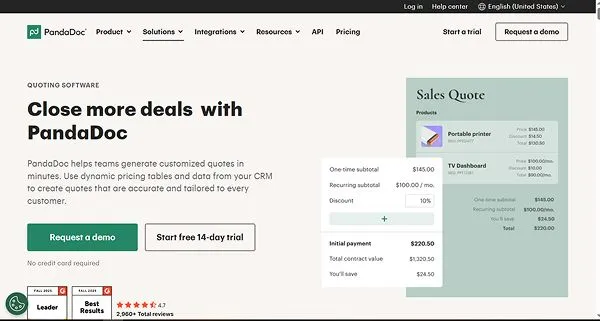
PandaDoc is a quoting software that provides a secure and dedicated web page for sharing multiple documents. It handles a lot of things, such as sales
proposals, quotes, contracts, e-signatures, and payment collection, which helps with communicating with stakeholders during the deal and negotiating.
| Unique Features |
|
| Pricing |
|
| Best For |
|
| FreeTrials |
|
2. Salesforce CPQ
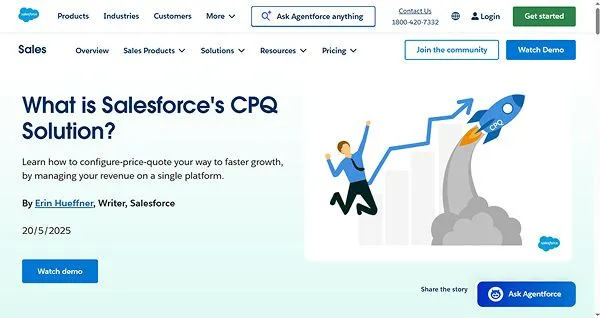
Salesforce CPQ is a quoting software best known for its configure, price, and quote (CPQ). The best part of using the software is that it automatically sends the report to the concerned manager if a discount exceeds the required limit.
| Unique Features |
|
| Pricing |
|
| Best For |
|
| Free Trials |
|
3. Qwilr
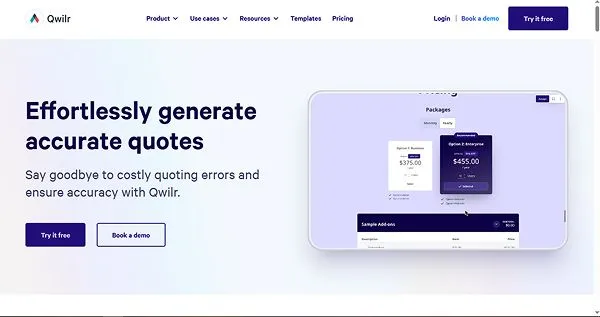
This software allows users to complete an electronic signature and make a financial payment in a single go, and it is also best known for its interactive pricing tables, which help clients adjust quantity and select tiered packages and optional add-ons themselves while the quote itself recalculates the value.
| Unique Features |
|
| Pricing |
|
| Best For |
|
| Free Trials |
|
4. QuoteWerks
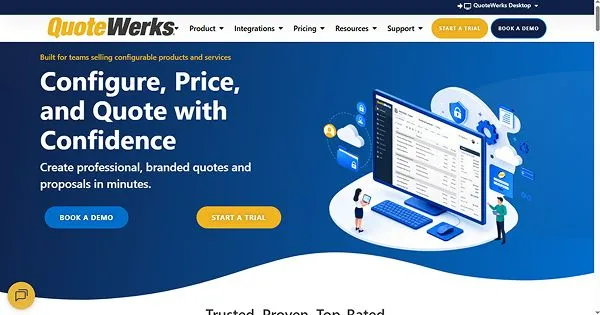
QuoteWerks is a quoting software known for its affordable and flexible licensing model. It also intelligently imports and translates unstructured vendor/distributor quotes from PDFs or spreadsheets into line-item quotes in seconds.
| Unique Features |
|
| Pricing |
|
| Best For |
|
| Free Trials |
|
5. DealHub
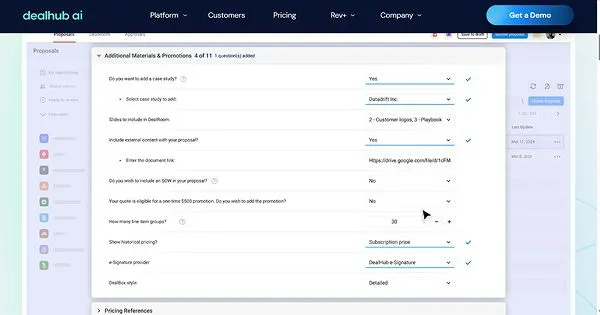
DealHub is a revenue workflow software that automates how sales teams build product configurations, calculate pricing, and generate branded proposals and secure approvals—all right through the subscription billing.
| Unique Features |
|
| Pricing |
|
| Best For |
|
| Free Trials |
|
6. HubSpot Sales Hub
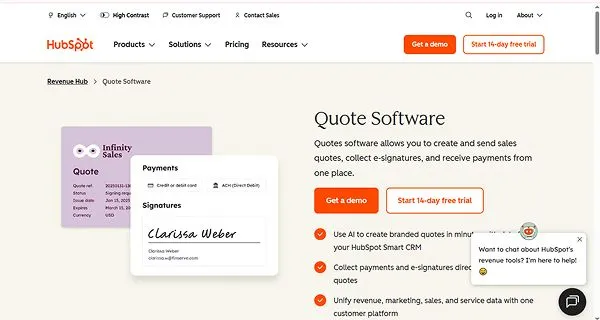
HubSpot Sales Hub is a quoting tool that generates draft quotes and line items, cover letters, and executive summaries automatically based on deal information. It also allows you to build branded proposals and automate pricing rules.
| Unique Features |
|
| Pricing |
|
| Best For |
|
| Free Trials |
|
7. Quotient
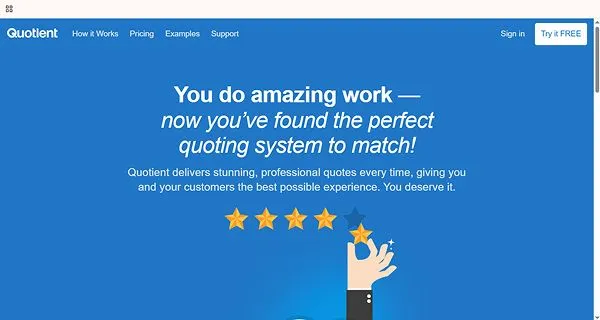
Quotient is a quoting tool primarily built for small and medium-sized businesses. It is intuitive software that integrates directly with platforms like QuickBooks and Zero to automatically generate the invoice once the quote is accepted.
| Unique Features |
|
| Pricing |
|
| Best For |
|
| Free Trials |
|
8. Zomentum
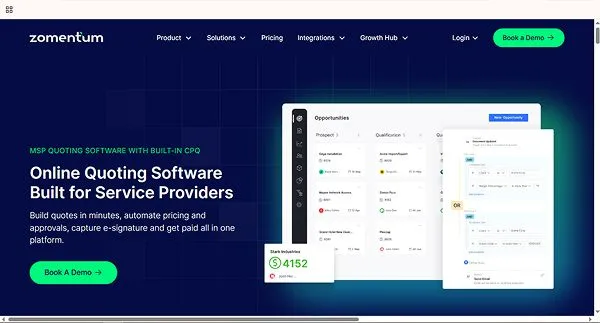
Zomentum is an all-in-one revenue platform in which clients can view, digitally sign, and pay for services inside the same proposals, which eliminates third-party friction, making the work of both the consumers and the service provider easier.
| Unique Features |
|
| Pricing |
|
| Best For |
|
| Free Trials |
|
9. Scoro
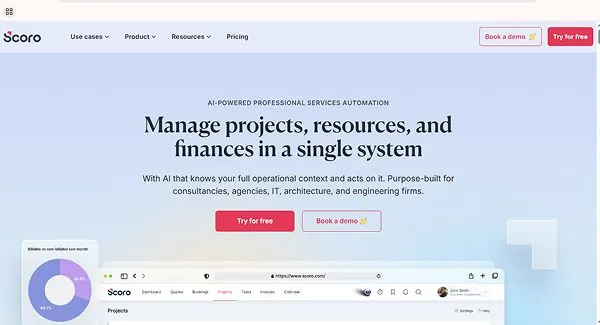
Scoro is a professional services automation tool that helps instantly convert accepted quotes into a live project budget, auto-schedule tasks, and set up real-time tracking against estimated hours, all without manual data re-entry.
| Unique Features |
|
| Pricing |
|
| Best For |
|
| Free Trials |
|
10. Proposify
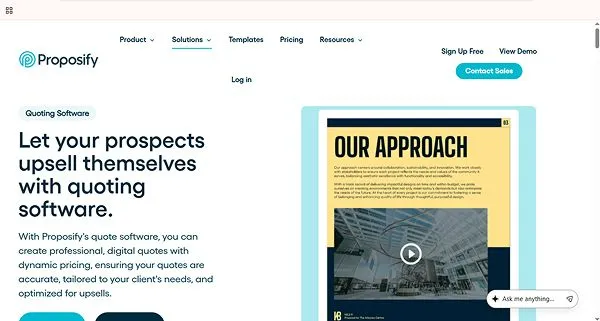
Proposify is a cloud-based quoting software that allows managers to lock specific sections or terms so sales representatives cannot alter branding or unauthorized pricing text. This also helps both customers and managers to build trust and work efficiently.
| Unique Features |
|
| Pricing |
|
| Best For |
|
| Free Trials |
|
What are the Essential Features to Look for While Buying Quoting Software?
While deciding on which quoting software to go with, you must ensure that the software you choose is easy to use and that the functionality can be easily understood.
Now, let’s look at a few factors and essential features to look for while buying quoting software:
- Workflow and Document Management
The first step while choosing quoting software should always be the capability of the software to handle documentation and the ability to control the workflow and do asset management. The best quote software should generate professional, clean quotes to match the company branding and should also allow clients to sign documents and route high-risk discounts or custom terms.
- Product Configuration and Guided Selling
The software should be capable of preventing the wrong pickup of the product mixes by the sales representatives and eliminating manual guesswork and costly mistakes on custom orders. It should also guide users to choose the right add-ons and bundles instantly and walk users through a step-by-step digital wizard based on client needs.
- Automated Pricing and Discount Controls
The software should be able to apply taxes, tiered pricing, and math rules to automatically prevent human error. Preventing these errors will stop any miscommunication and wrong quotes on the website to build a smooth and good relationship with clients. It should also protect profit margins by setting limits on how much a representative can discount.
Conclusion
For a faster turnaround, fewer errors, and better insights, you should choose a quoting software that is easy to use and understand. The software should be efficient, accurate, and satisfactory and should be able to turn slow, messy talks into a smooth engine for growth.
We have mentioned 10 popular online quoting software that are tried and tested and can match the different requirements of the businesses.
FAQs
If I use a quote management software, will my pricing data remain safe?
How does using quoting software help win deals?
Using quoting software helps win deals by enabling faster response times, ensuring pricing accuracy, and streamlining customer interactions. It cuts down administrative friction so sales teams can close business quicker.
What is the right way to write a quote?
To write a quote accurately, strike a balance with quotation length: Say enough to convey a complete thought, but not too much. Not too long, not too short, but just right for the purpose. Include information that adds detail and depth to the story, not just basic facts that can be covered in the body of the release.
How does quoting software for small businesses save time and increase sales?
The quoting software lets you send fast and neat price sheets, track when clients open them, close deals online with zero extra paperwork, and allows instant electronic sign-offs to close deals faster.