For small businesses, there are several employee time tracking software options, like When I Work, Everhour, Apploye, Clockify, etc. Choosing the best one depends on your personal and business needs and budget.
15 Best Employee Time Clock Software in 2026
POST BY
PUBLISHED
September 23, 2026
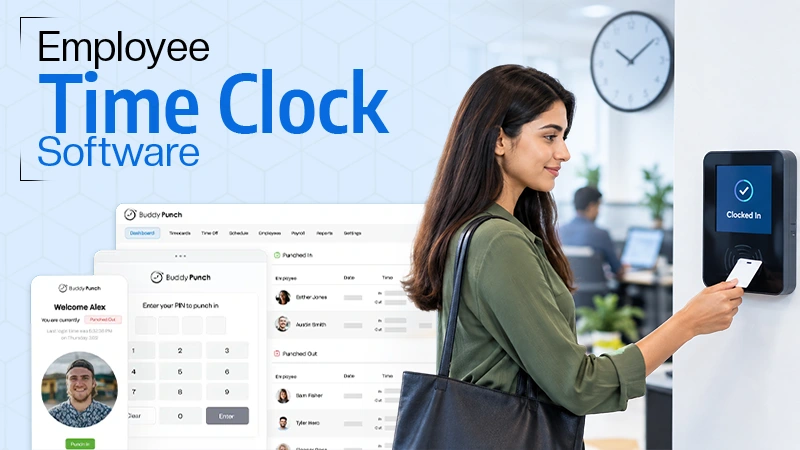
There was a time when managers in organizations used to manage timesheets manually, which used to eat up most of their time. Today, time tracking of employees has become easier due to the use of time tracking software. Employee time clock software is a digital software/system that calculates their working hours, maintains attendance, measures productivity, provides analytical reports, manages payroll, etc.
In this detailed article, I will tell you about the 15 best employee scheduling and time clock software that help businesses to track their employees’ working hours and productivity.
Table of Contents:
What is Employee Time Clock Software?
Employee time tracking software is a digital tool or software that tracks employees’ working hours, clock-ins and clock-outs, records the time spent on activities, tasks, and projects, manages their payroll cycles, tracks billable hours and attendance, and analyzes productivity.
These time clock solutions help employers and managers to keep a check on their employees’ work performance and time utilization for particular tasks, streamline workflows, and make informed decisions by saving their time.
15 Best Time Clock Software
There are several time clock-in systems available online that help track employees’ time. Some of the best time clock software are:
1. BuddyPunch
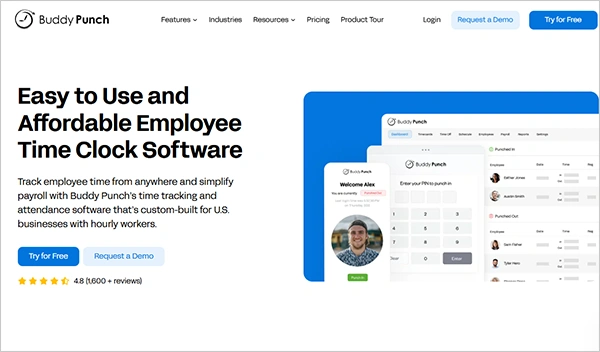
BuddyPunch is an employee clocking system that tracks employees’ attendance, simplifies payroll tasks, calculate check in and is built for US businesses and part-time workers. It has a good interface, which makes it suitable even for non-tech employees. Highly rated among customers for its advanced features, like tracking on-site presence and integrating with other payroll software to automate payroll.
| Features |
|
| Pricing |
|
| Best for | Small business (non-tech users can also use) |
| Free trails | 14-day free trial |
2. Jibble
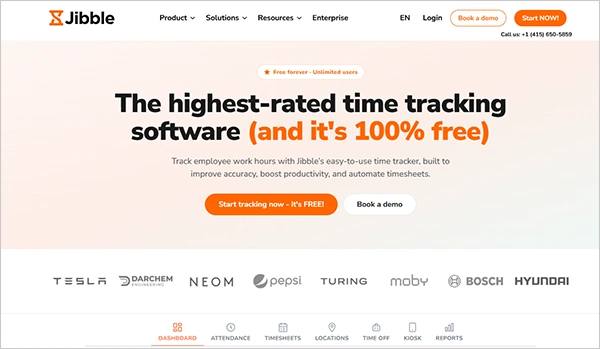
Jibble is an all-in-one timekeeping system that is totally free to use. It gives specialized features for not only tracking work hours but also analyzing payroll data, tracking GPS location, offering check-in and check-out in offline mode, managing leave policies and requests, setting work schedules, assigning and approving timesheets, and verifying identity by entering a PIN or passcode.
| Features |
|
| Pricing | It’s a 100% free tool, as claimed by the company. |
| Best for | Businesses that offer a hybrid work mode to their employees |
| Free Trials | It’s completely free for unlimited users |
3. Homebase
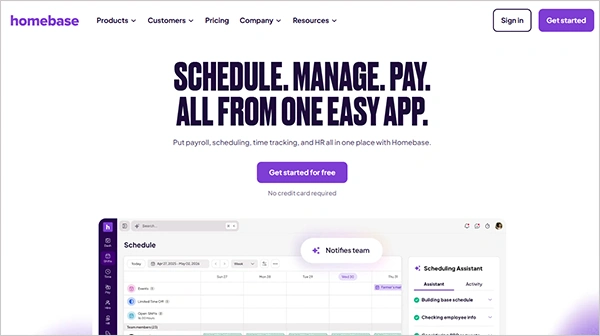
Home is an AI-assisted scheduling and time clock software that manages schedules, timesheets, and employment perks; manages the HR and onboarding process; and uses its AI assistant to do candidate screening and interview booking. Manages time off and leave policies and complies well with state and city rules.
| Features |
|
| Pricing |
|
| Best For | Big businesses that want a complete outlook for their operational and admin work. |
| Free trials |
|
4. Factorial
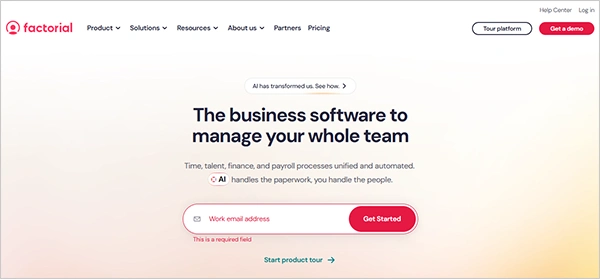
Factorial is an all-in-one business management software that not only tracks your employees’ time but also manages finance, HR, and the onboarding process; it manages payroll, talent management, and IT management in one place. This software has a global reach and can be accessed anytime and anywhere using your mobile devices.
| Features |
|
| Pricing |
|
| Best for | Businesses that want an all-in-one solution for HR and time management |
| Free Trials | One free trial with a free demo |
5. Deel HR
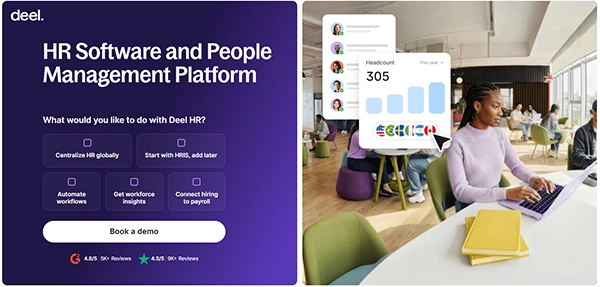
Deel HR is one of the best employee clocking systems and people management software that manages employees in multiple countries. It allows employees to take time off and follow attendance policies according to the specific country. It integrates with other apps like Teams and Slack and can be used through its mobile application, which makes it easy to use from anywhere.
| Features |
|
| Pricing |
|
| Best for | For employees in multiple countries |
| Free Trials | Limited-time offer on its payroll and EOR services. |
Also check: 15 Best Gym Management Software For Every Fitness Brand Must Know
6. Paycom
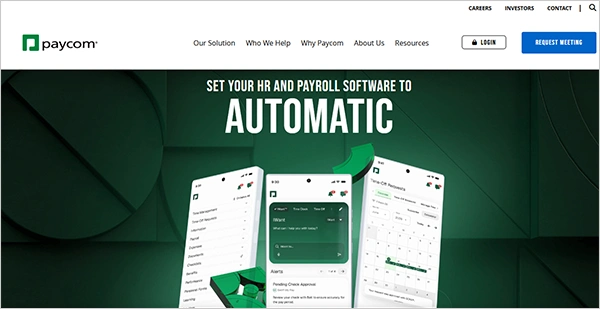
Paycom is a complete AI-based HR and payroll software company that tracks employee data with no hassle to fetch data manually. This software tracks time, approves work hours, and automates time-off requests. The Beti platform is a self-service platform for employees that allows them to do their payroll on their own and manage vacations and expenses.
| Features |
|
| Pricing | $25 to $36 PEPM (per employee per month) |
| Best for | Automatic payroll system |
| Free Trials | Do not offer free trials |
7. UKG
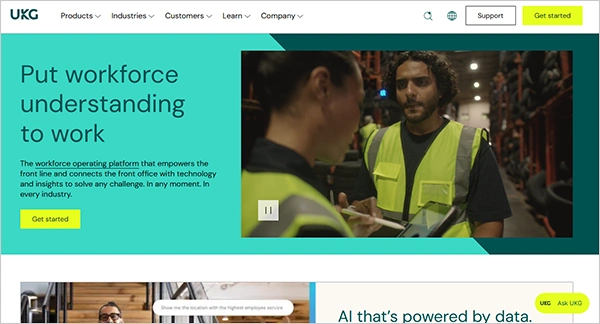
UKG Ultimate Kronos Group) is a workforce management and operating platform that provides AI-based compliance to track employee time. It allows automated time capture using various clocking methods. Employees can clock in on any device and see schedules. Keep track of leave and company policies being followed by employees.
| Features |
|
| Pricing |
|
| Best for | Next-gen time tracking |
| Free trials | Does not offer a free trial |
8. Monitask
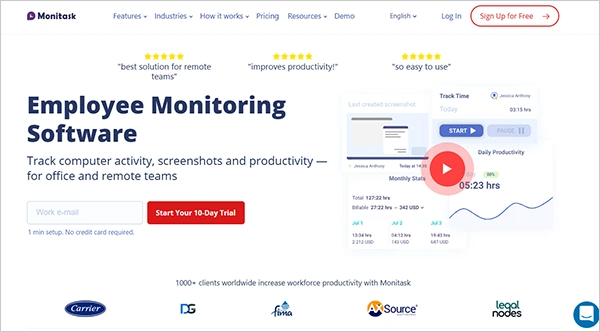
Monitask is one of the best employee time clocking programs that not only tracks time and automates schedules, but its specialized screenshot feature helps employers monitor employees’ work screens to check their activity. The software takes only activity screenshots but maintains employees’ privacy by not spying on them.
| Features |
|
| Pricing |
|
| Best for | Monitoring the screen and keeping a check on their activity |
| Free trials | 10-day free trial |
9. Connecteam
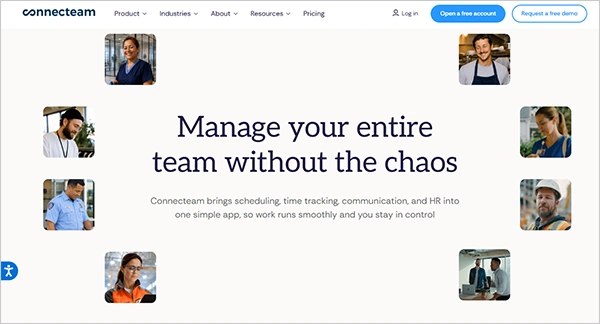
Connecteam is an employee timekeeping system with GPS that automatically does the check-out if employees forget to do it. Allows clocking in using the NFC tag. Keeps track of overtime, breaks, and set working schedules using AI, allowing employees to self-check their working hours and payslips.
| Features |
|
| Pricing | For the first 30 users
|
| Best for | Hospitality sector, godowns |
| Free trials | 14 days of free trial |
10. Desktime
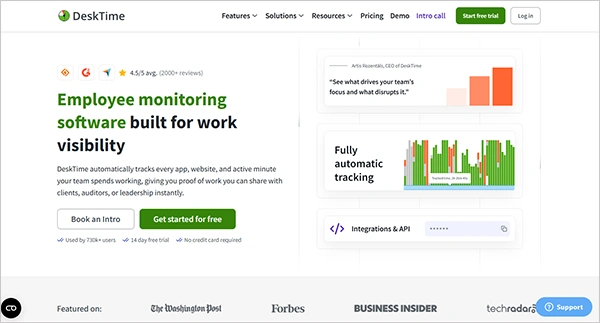
Desktime is employee time clock software or employee monitoring software that automatically tracks time, lets employees see how their time is tracked, and also gives them a break from tracking. It allows a customizable dashboard to see productivity insights and check the team’s activities, manage attendance, and schedule shifts automatically.
| Features |
|
| Pricing |
|
| Best For | Suitable for all types of organizations (small, medium, and large) for productivity analysis |
| Free trials | 14-day free trials |
11. Agendrix
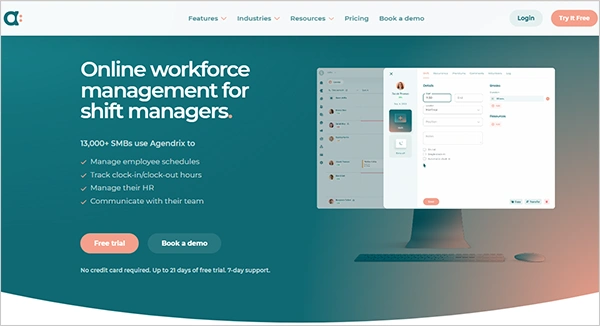
Agendrix is an online workforce management and excellent employee clock-in system for employees that automates scheduling, fills open shifts, tracks overtime, simplifies payroll, and manages documents. With Agendrix HRIS, it centralizes staff needs and availability. Manages the rounding off of the time entries in the timesheets.
| Features |
|
| Pricing |
|
| Best for | Managing work shifts |
| Free trials | Free trials for up to 21 days |
12. Everhour
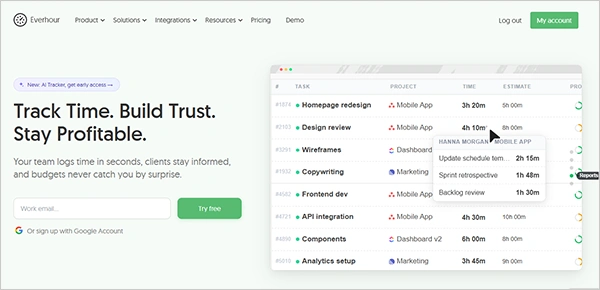
Everhour is an employee timekeeping system that is more than just a clock-in/out and time tracker. It allows variable features like who is working where and what, integrates with Asana, Jira, and other tools to avoid switching tabs, and has reminders for time tracking at the end of each day and automatically stops timers after the work hours are completed.
| Features |
|
| Pricing |
|
| Best For | For small and large businesses |
| Free trials | 14-day free trial |
13. When I Work
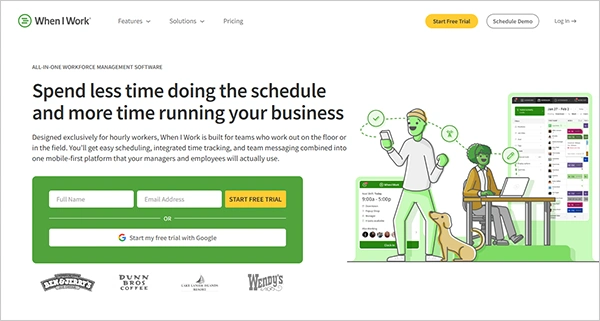
When I Work is an all-in-one shift management and employee time-tracking software that automatically makes high-performing schedules and tracks attendance and working hours with accurate clock-in and clock-out using geofencing technology, so check the location visibility. It helps to communicate in a better way by sending announcements and messages where employees check their schedules.
| Features |
|
| Pricing |
|
| Best for | Managing the shift schedules in small businesses |
| Free trials | 14-day free trial |
14. Apploye
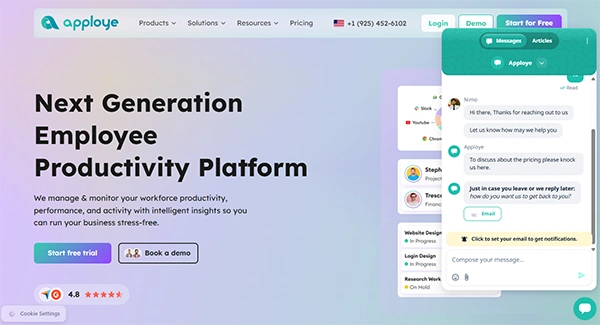
Apploye is employee time tracking and monitoring software that works best for remote and hybrid teams and businesses. It helps to track time, generate automated timesheets, and check the productivity of employees through video and screenshot monitoring throughout the session, and tracks attendance with automated clock-in/clock-out.
| Features |
|
| Pricing |
|
| Best for | Best for remote and hybrid teams |
| Free trials | 10-day free trial |
15. Clockify
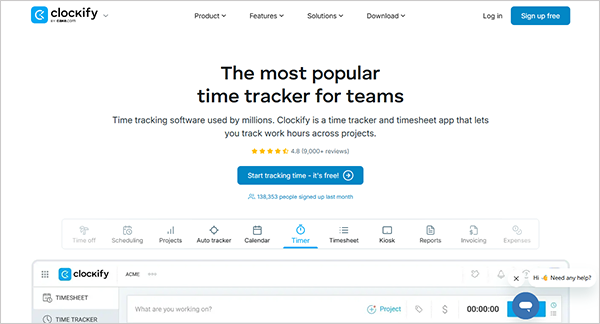
Clockify is an employee time tracking and management software that helps to track working hours, manage weekly timesheets, track the apps and URLs employees use, check kiosks, manage the project budget, see who is working on which project, automate invoices from your workflow data, check labor costs, all expenses, etc.
| Features |
|
| Pricing |
|
| Best for | Time tracking and timesheet management |
| Free trials | 7-day free trial |
How to Choose the Best Employee Time Tracking Software for Small Business?
For small businesses. Scheduling and time clock software can vary according to the needs of the employer, like what time tracking needs, on which device you work, how much your budget is, which kind of services you want the software to provide, etc. Some of the points to consider while choosing an employee time clock program/system are:
- Your workplace and device choice: You should determine your workplace and the devices you use to accomplish your tasks; software is also device-specific. If working on Android devices, you might need software/app that can work well and operate on Android systems and mobile phones. If working on a Mac, you might need software that can work well on it.
- Your time tracking needs: Needs differ from business to business. You need to check if you need only the basic services like time tracking, attendance management, automated timesheets, and a clock-in/out system, or if you need some additional services like payroll management, invoicing, scheduling, integration with other apps, etc. Accordingly, you choose the specific software
- Your Budget: For small businesses, basic and standard plans are good to go, but if you have a good budget and you manage employees scattered across multiple countries and want a completely all-in solution for HR, payroll, time tracking, etc., then you should go for the premium or the enterprise plans that include additional services.
- Your working process: It matters how you work in your company, like whether you allow early check-in for employees, provide transparency in time tracking, allow check-in on shared devices, or use project management or development apps. Check for software that aligns well with your working process.
- Software performance and reviews: The software you choose should be user-friendly and easy for employees to use. Check online reviews and community forums to know the software’s performance. Take free trials for a few days and check compatibility with your devices
Conclusion
Wrapping up! In the above article, we studied in detail the best employee time clock software. An employee timekeeping system is the software or digital solution that helps to track employees’ working hours, activity, attendance, check-in/out, manage timesheets, and analyze productivity. It helps to streamline the workflow and save time for managers and employers.
Some of the best employee scheduling and time clocking software are Buddy Punch, Jibble, Factorial, Teamwork, etc. For choosing the right software for your small business, you should check your workplace, the devices on which your employees work, your tracking needs, and specifically the budget.
FAQs
Which is the best employee time tracking software for a small business?
What additional services do these employee clock-in systems provide?
Apart from tracking time and scheduling working shifts, these software programs provide additional services like payroll management and generating invoices according to the billable hours, HR, and onboarding management.
How does employee tracking software track and analyze the productivity of the employees?
The employee time-tracking software tracks work hours and shows who is working on what project, generates work reports, takes screenshots, or does video monitoring to keep a check on the employees’ performance and working schedule.
Sources:
People Managing People: 10 Best Employee Time Clock Software Reviewed in 2026