Ans: Cloud-based patch management tools can deploy updates and security patches to the roaming laptop over the internet, independent of the corporate network.
10 Best Patch Management Software for Your Businesses (Tried and Tested Tools)
POST BY
PUBLISHED
September 15, 2026
Patch management software is a very important tool that protects devices from threats, attacks from different sources, and glitches, which helps in keeping the device and computers updated.
It also automatically finds, downloads, and installs software updates called “Patches.” These patches fix security flaws, stop computer viruses, and make the device run smoothly and without the fear of any threat.
Go through this article and learn about the best patch management software, its importance, the benefits of using it, and its core features that will keep the ecosystem of your devices protected from unwanted threats.
Table of Contents:
What is Patch Management Software and its Importance?
Patch management software is like a digital cleaner that cleans our computers, fixes glitches, and resolves system bugs so that workers can do their jobs without the device crashing.
You can update one or two devices by hand, but organizations with two hundred to three hundred devices or more can’t do it manually. The patch management software removes this exact need to update hundreds of employees’ devices by hand.
With the help of patch management tools, you can basically keep your digital surroundings clean and immune to known threats, which will help your device function well and be protected.
What is the Importance of Patch Management Software?
Patch management software finds, tests, and installs software updates automatically. The main job of this software is to fix security flaws and keep your digital ecosystem protected.
A few more reasons why this software is so important are
- It stops possible cyberattacks. Hackers look for these weak spots to break in and get inside your system. Patching software fixes the weak spots before hackers find them.
- Some computer glitches and bugs can cause the system to freeze or crash. Patches act like a regular tune-up for the system. They clean out errors so that the system can run smoothly.
- A sudden cyberattack or computer downtime can cost a lot of money to fix and also to recover the data. Keeping the system updated is comparatively less expensive than paying to prevent sudden cyberattacks and data recovery.
- Today’s law requires strict data protection. Failing to update any software is a major risk. If your company is hacked and user data is stolen, then you can be sued for negligence, found liable, and charged with heavy fines too if your software is not protected.
10 Best Patch Management Software to Try in 2026
When we talk about patch management software, we want it to be powerful enough to prevent threats and cyberattacks on the device.
Here is a list of the top 10 patch management software options, some of which are tried and tested.
1. Action 1
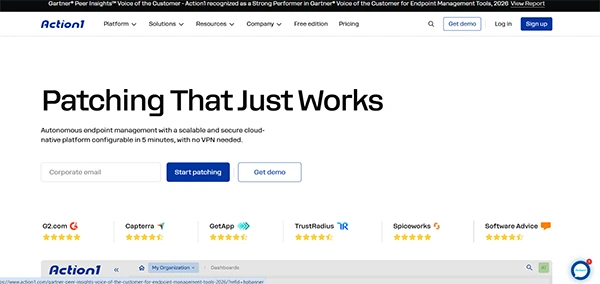
Action 1 is a cloud-native patch management company that is designed to make the consumer task easy by securing a hybrid workforce and by eliminating vulnerabilities. It is best known for how easy it is to deploy.
|
|
|
|
|
|
|
|
2. NinjaOne
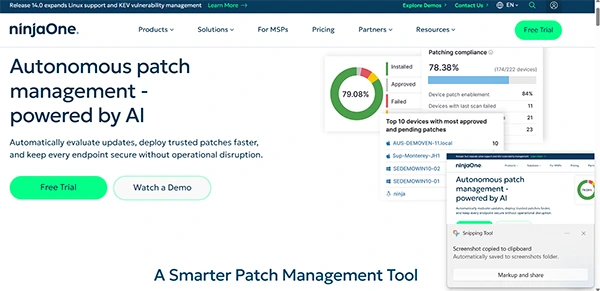
NinjaOne is a top-rated and cloud native IT and management platform that automates patch identification, approval, and deployment. It can also deploy all these things across over 6000 third-party applications from a single dashboard.
|
|
|
|
|
|
|
|
3. Acronis Cyber Protect
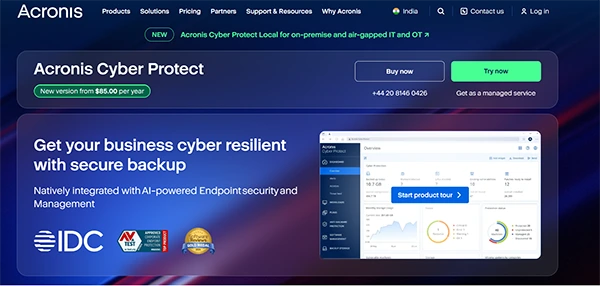
Acronis Cyber Protect is a patch management company that unifies cybersecurity, data backup, and patch management into a single platform.
It can also help you eliminate the complexity of managing multiple security tools by offering centralized management.
|
|
|
|
|
|
|
|
4. Atera
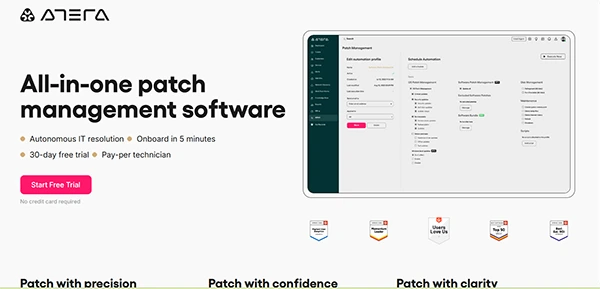
Atera is an all-in-one platform that combines remote management and monitoring, professional services automation, and automated patch management.
|
|
|
|
|
|
|
|
5. Automox
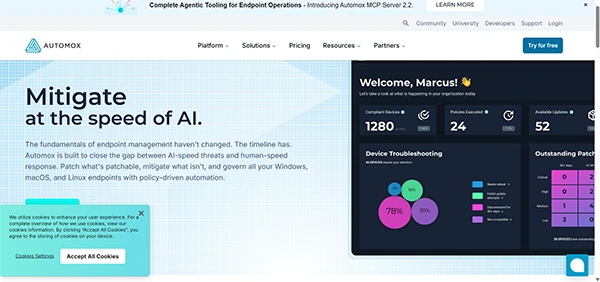
Automox is a cloud-native endpoint and patch management platform that fully automates the patching of operating systems and third-party software from a single dashboard. It is mainly built for hybrid workforces and complex server maintenance.
|
|
|
|
|
|
|
|
6. Tanium
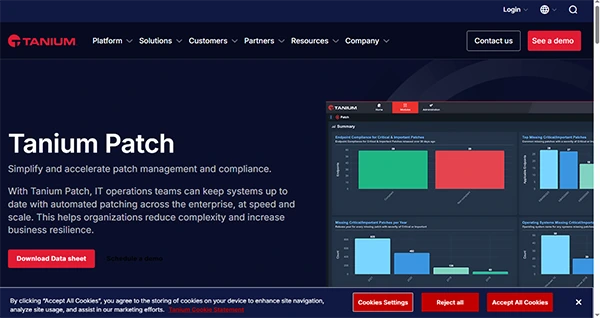
Tanium is an enterprise-grade security and management solution that helps IT teams update their software and operating systems across thousands of devices. It also uses data from previous updates to predict if a patch might cause a problem, so your team only installs the safest patch for your device.
|
|
|
|
|
|
|
|
7. Fresh Service
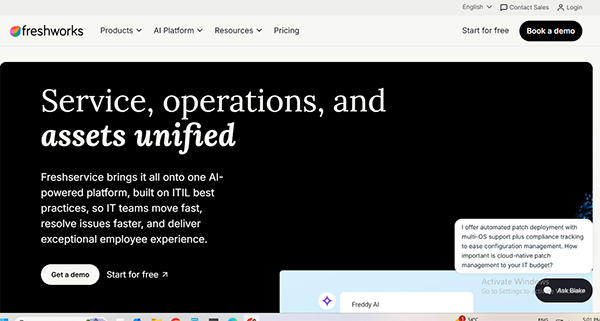
Fresh Service is an automated tool that keeps your software system and computer system safe from threats and viruses. It also checks for patches in the background to make sure it doesn’t disrupt your system. The best thing about this software is that it automatically pushes the installs and updates through all the devices without needing any manual help.
|
|
|
|
|
|
|
|
8. SolarWinds
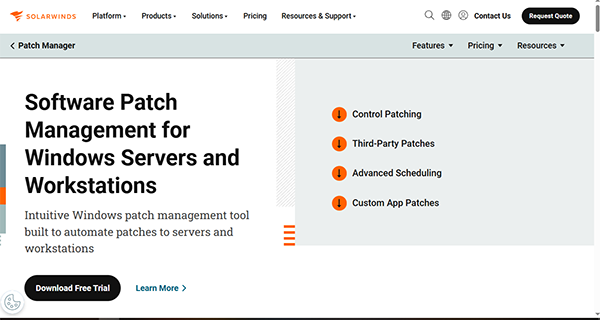
SolarWinds patch management software is a tool that helps businesses quickly update their server and third-party apps. It is also built to work directly with Microsoft WSUS and SCCM, offering more advanced control over patch scheduling and deployment.
|
|
|
|
|
|
|
|
9. Heimdal
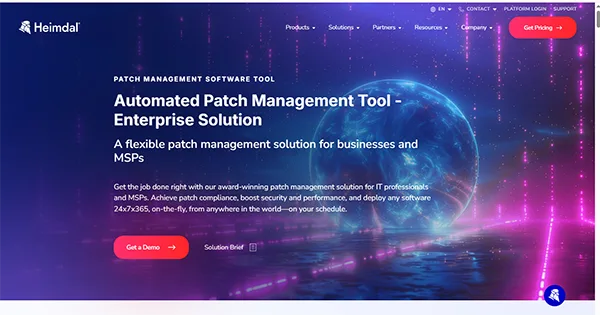
Heimdal patch management software is basically smart and automated software that automatically updates the software on your device and computer. The best feature of this software is that it installs the updates silently without interrupting the user or asking for a reboot after the update.
|
|
|
|
|
|
|
|
10. Itarian
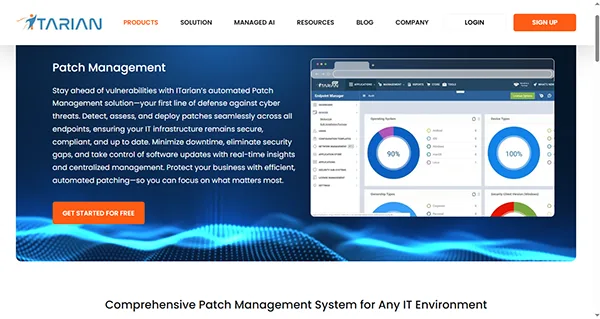
Itarian is a cloud-based patch management tool that automates the process of scanning, approving, and installing software across all your networked devices. It continuously scans the endpoint to find missing security patches and generates detailed reports on your software and hardware status.
|
|
|
|
|
|
|
|
Benefits of Using Patch Management Software
Patch management software helps in automating and securing IT environments by organizing the software life cycle. The benefits of using patch management software are
- Time and Labor efficiency: This software automates and helps in scheduling the software to carry out routine inspections and deployments and also eliminates the problem of manual updating. This helps IT teams not equipped for these small tasks.
- Regulatory Compliance: It also simplifies audits and compliance by automatically applying updates required by standards like GDPR, HIPAA, and PCI DSS, while generating the status report.
- Improved System Instability: The software also replaces buggy or crashing code with stability, which prevents frustrating glitches that hamper employees’ output.
- Centralized Visibility: This software also consolidates system inventory and patch tracking into a single dashboard, ensuring that remote endpoints, servers, and cloud-native systems remain accounted for.
Core Features to Look for While Buying Patch Management Software
If you are looking to buy patch management software for your company and secure it from different viruses, threats, malware, and cyberattacks, you should look for software with features like
1. Automation and Workflows
Advanced patch management solutions should automate the entire pipeline, from scanning and vulnerability detection to automated deployment.
Also, IT environments rely heavily on policy-driven automation, where once the rules are set, the platform executes them across systems without manual intervention.
2. Risk-Based Prioritization
The patch management software that you are using should support test groups and staged deployment through QA, staging, and production. It should also find gaps to simulate patches and resolve dependency issues before roll-out.
Management tools also require built-in risk prioritization, with the help of which the system must integrate live threats so zero-day vulnerabilities are fixed.
3. Security and Compliance
Hackers actively scan for outdated software to get into your device. Therefore, you should go with top-tier tools that integrate the Common Vulnerabilities and Exposures (CVE) database and auto-patch critical flaws as soon as they are discovered to make the system flawless.
Also, compliance requires consistency. Enterprise patch management tools allow you to enforce uniform patching rules across all devices, whether they are on-premises, remote, or on mobile networks.
4. System Resource and Bandwidth Efficiency
For the best patch management software, you should look for a tool that utilizes peer-to-peer patch sharing or a local caching server to distribute updates efficiently. This helps minimise the network load, especially for remote sites.
It should also be useful for endpoint management. The tool should be able to utilize a lightweight, cloud-native agent that can reach off-network devices continuously, relying on a VPN.
Conclusion
As the world is moving forward, the rise of IT is also happening, and so is the rise of hackers and the need for cybersecurity. In this, there is a continuous threat to the system and the data, which forces you to secure your connections and be alert.
In these cases, patch management software is very important to save you from these attacks and help you save your and your customers’ data, which can be used against you for anything.
Also read: Construction Project Management Software: Top 10 Picks 2026
FAQs
Q1. How does patch management software help in handling a remote workforce?
Q2. What is the most common challenge that patch management software faces?
Ans: There are many common challenges that patch management software handles daily. A few of them are a high volume of patch releases, limited visibility into endpoints, compatibility risk, staffing shortages, and difficulty in patching third-party systems.
Q3. What is the purpose of a patch?
Ans: A patch is basically a small piece designed to update an existing program or application. The primary job of a patch is to fix software bugs, resolve security vulnerabilities, and improve overall functioning and compatibility.